Postsale Anywhere
Turn any screen into a shipping label.
Some orders come in by email, message or spreadsheet. Postsale Anywhere reads the address and order details on your screen, then creates the shipping label from your Mac, Windows PC or Chrome. It’s included with every Postsale plan.
Plans from $9.99/mo, and Anywhere comes with every one. Compare Plans →
New to Postsale? Start Your 14-Day Free Trial →
14-day free trial No card to start
If you can see it, you can ship it.
Your store orders come into Postsale on their own. Anywhere is for everything else, so an order in your inbox ships as easily as one from your store.
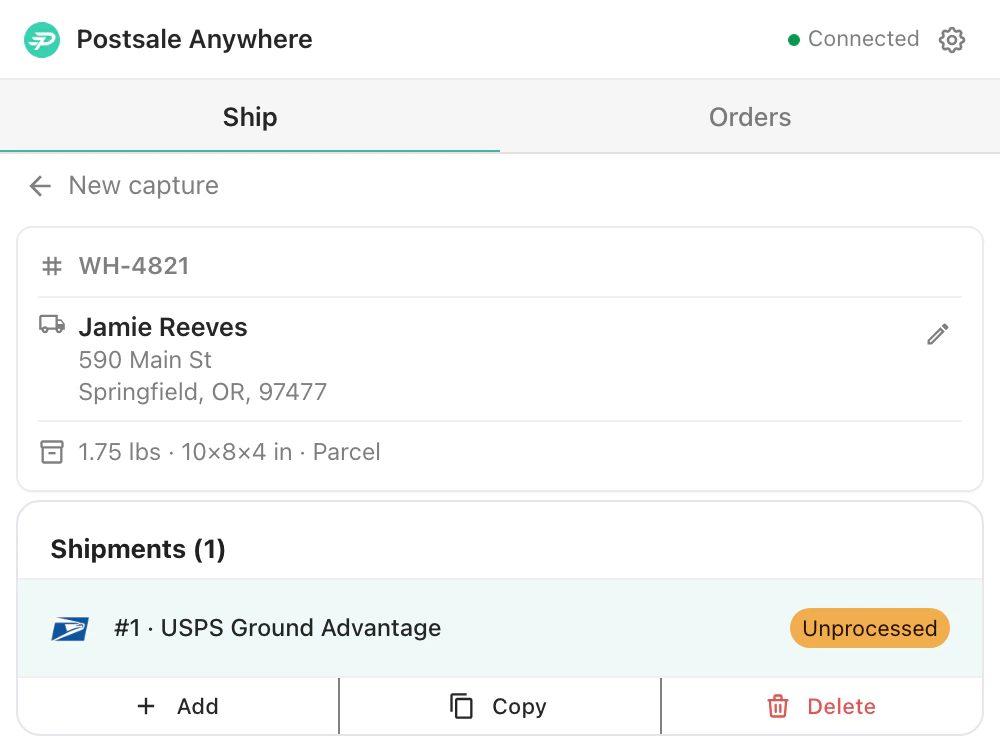
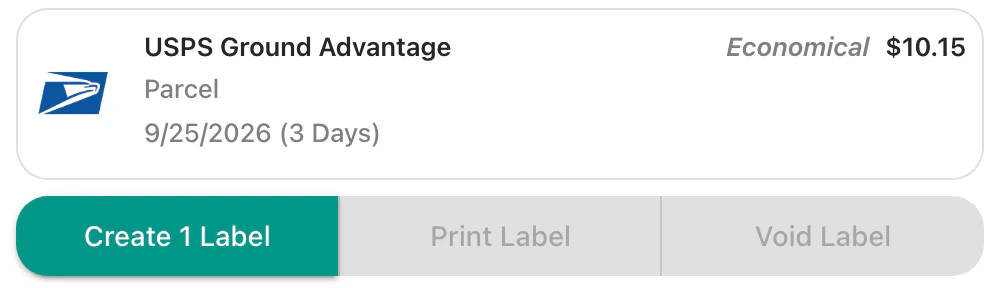
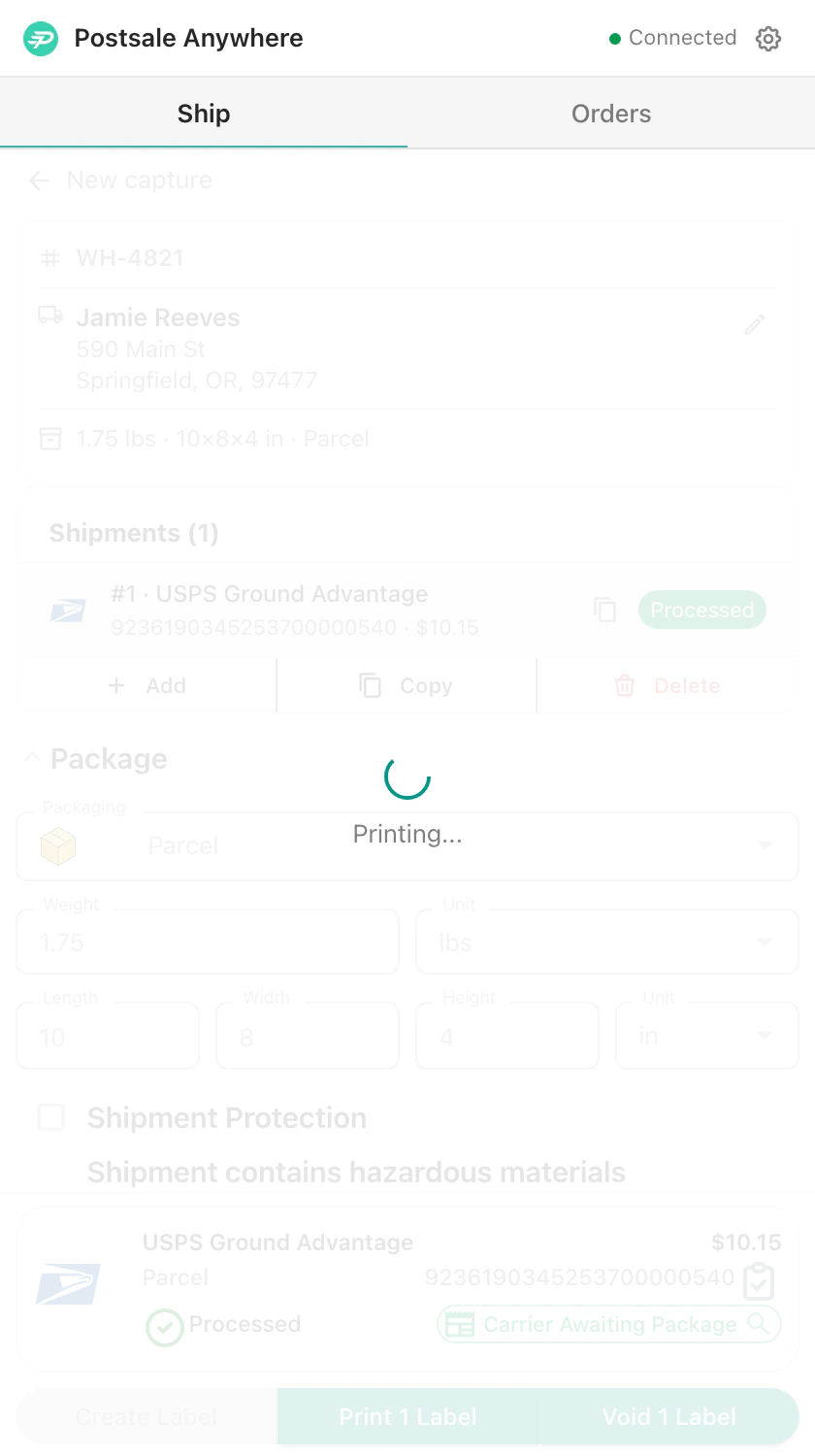
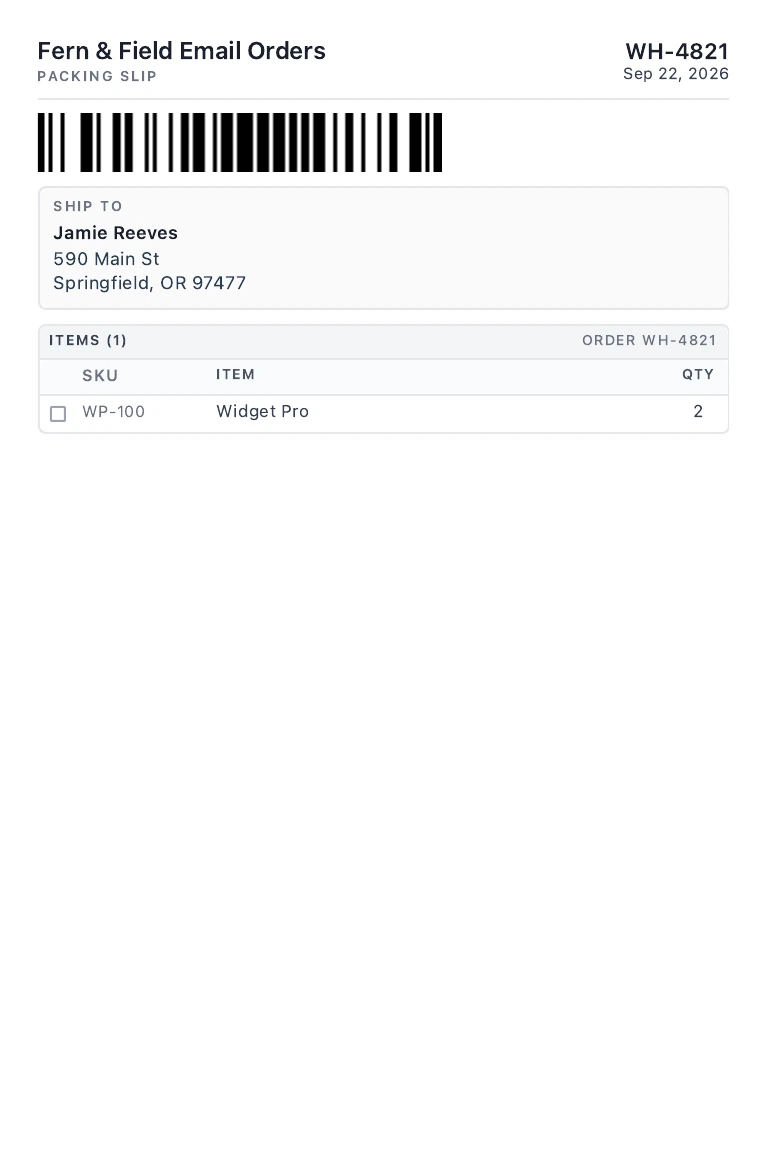
A laptop with an order in a mail window. Postsale Anywhere opens from the menu bar, you drag across the order, it reads the name, address and items, rates it at USPS Ground Advantage for $10.15, creates the label and prints it. A Print Label window opens on the 4x6 label, with its packing slip as page 2.
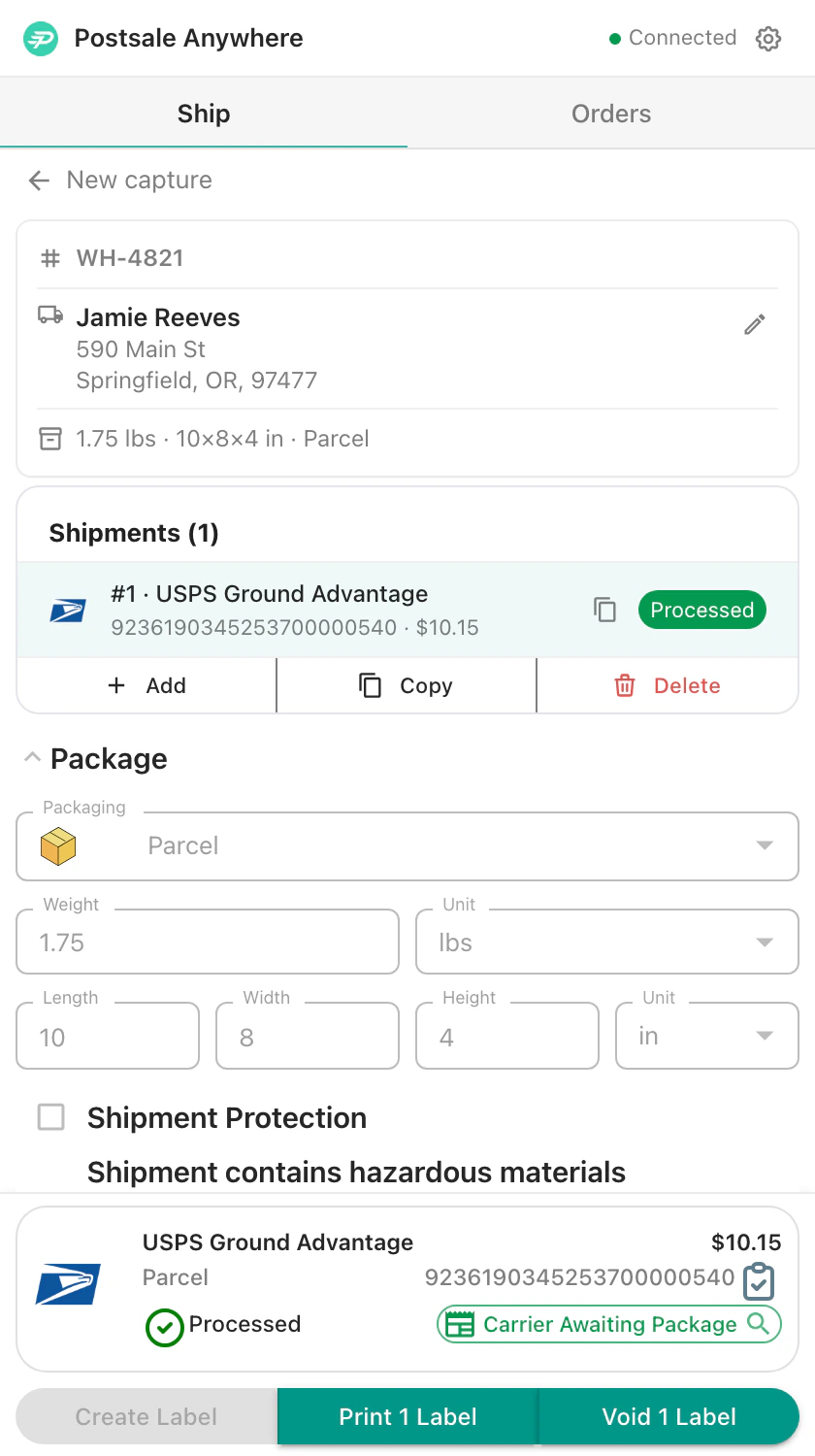
01 · Drag across it
Order WH-4821
Jamie Reeves · to you
Jamie Reeves
590 Main St
Springfield, OR 97477
Order WH-4821 · 2x Widget Pro
02 · Check it and pick the rate
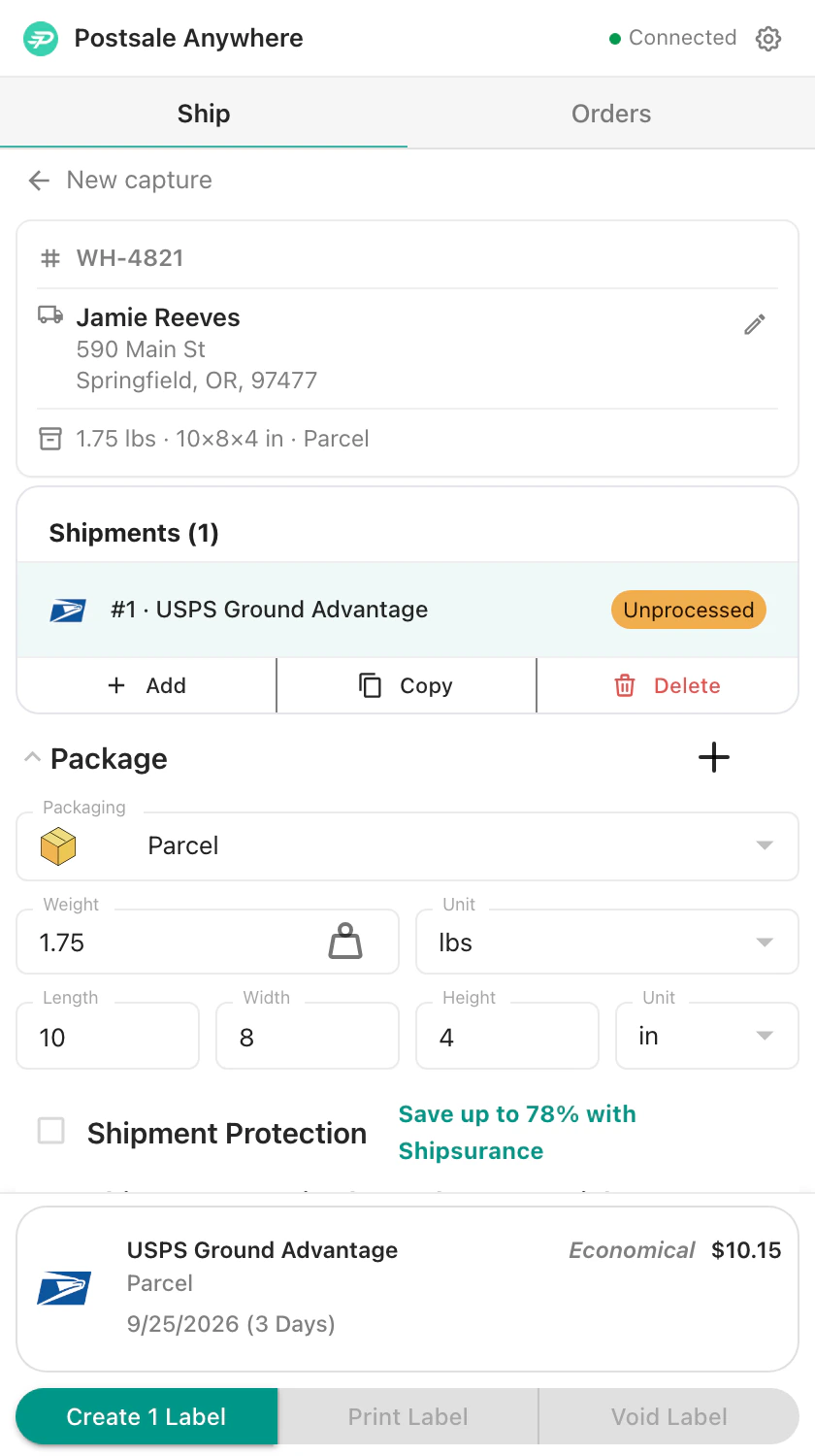
03 · Print the label
Print Labellabel-1790087414000.pdf1/ 2100%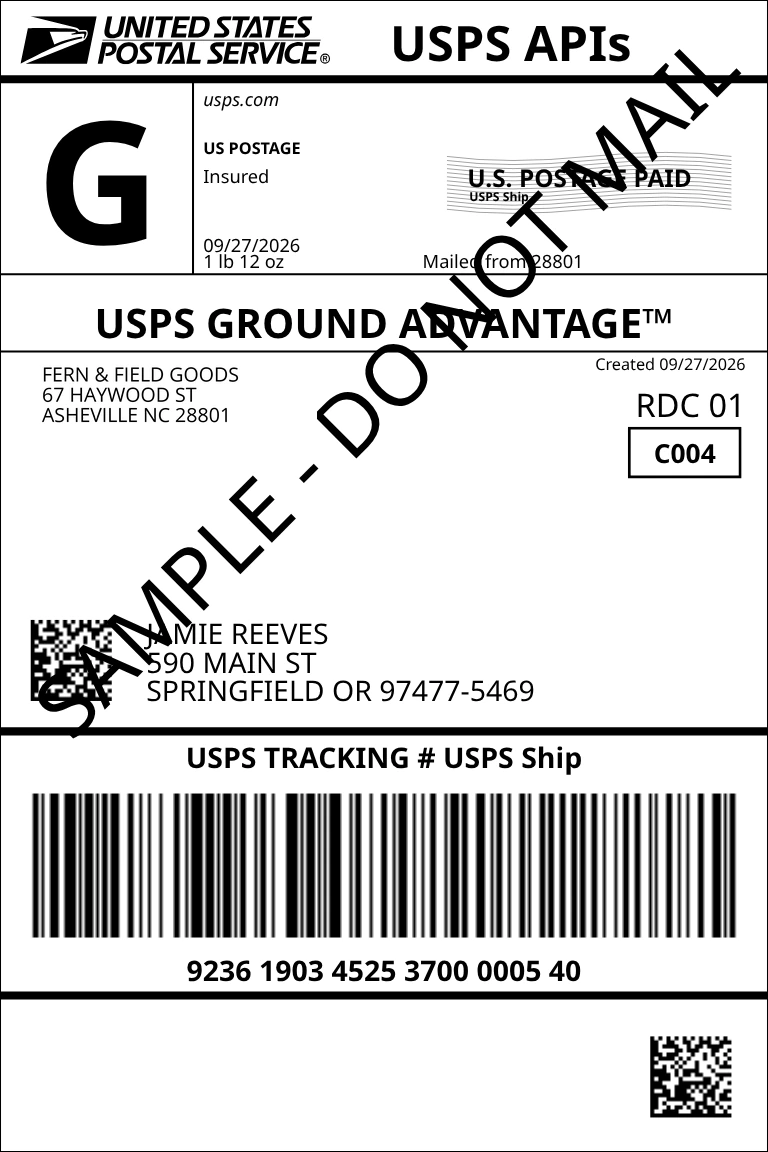
Mac and Windows app
On your Mac or Windows PC.
Lives in your Mac menu bar or Windows system tray. Capture an address anywhere on your screen and make the label.
01
Capture it.
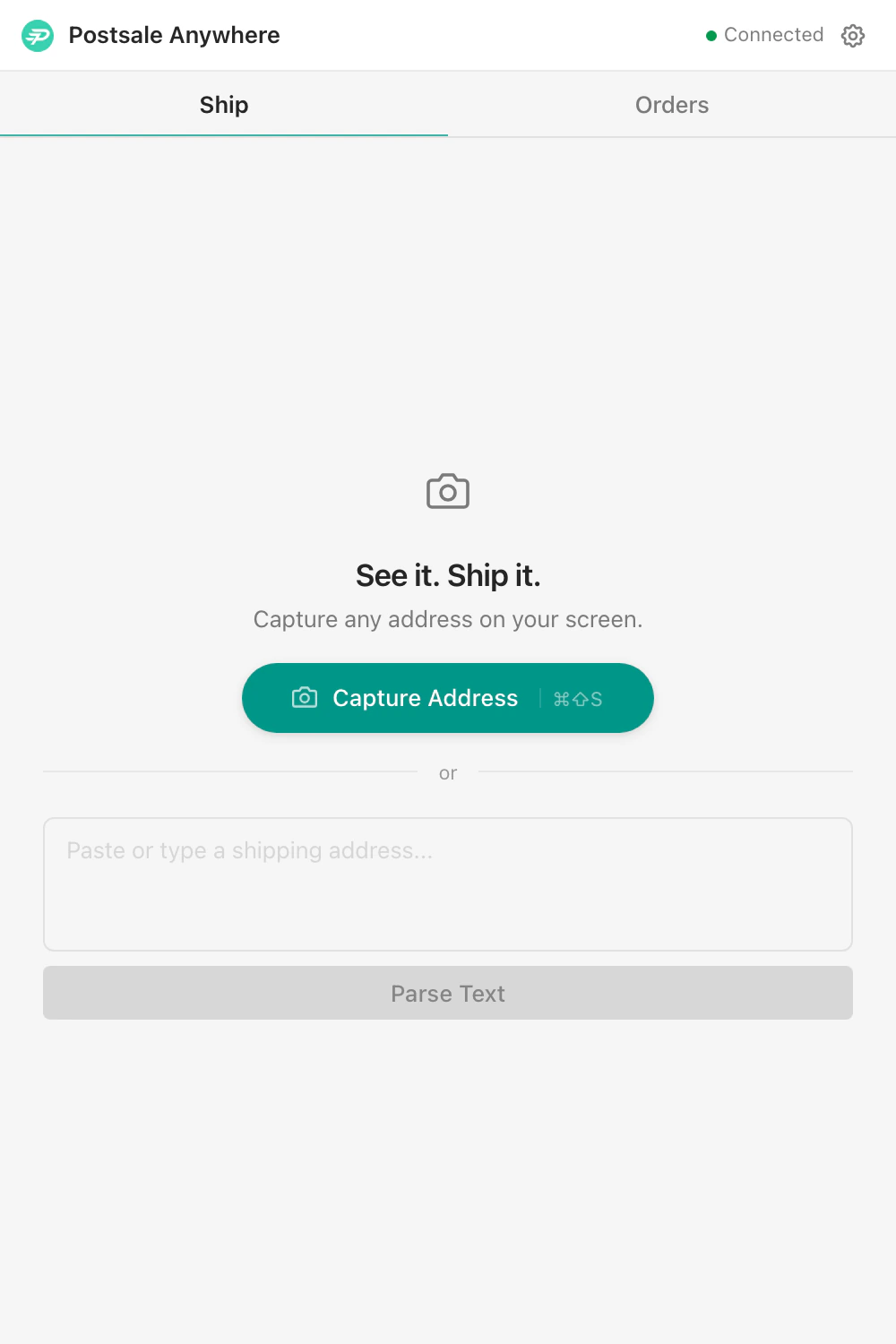
Click Capture Address and drag across the order in an email, a spreadsheet, a PDF or a chat. Or paste the text in.
02
Check it.
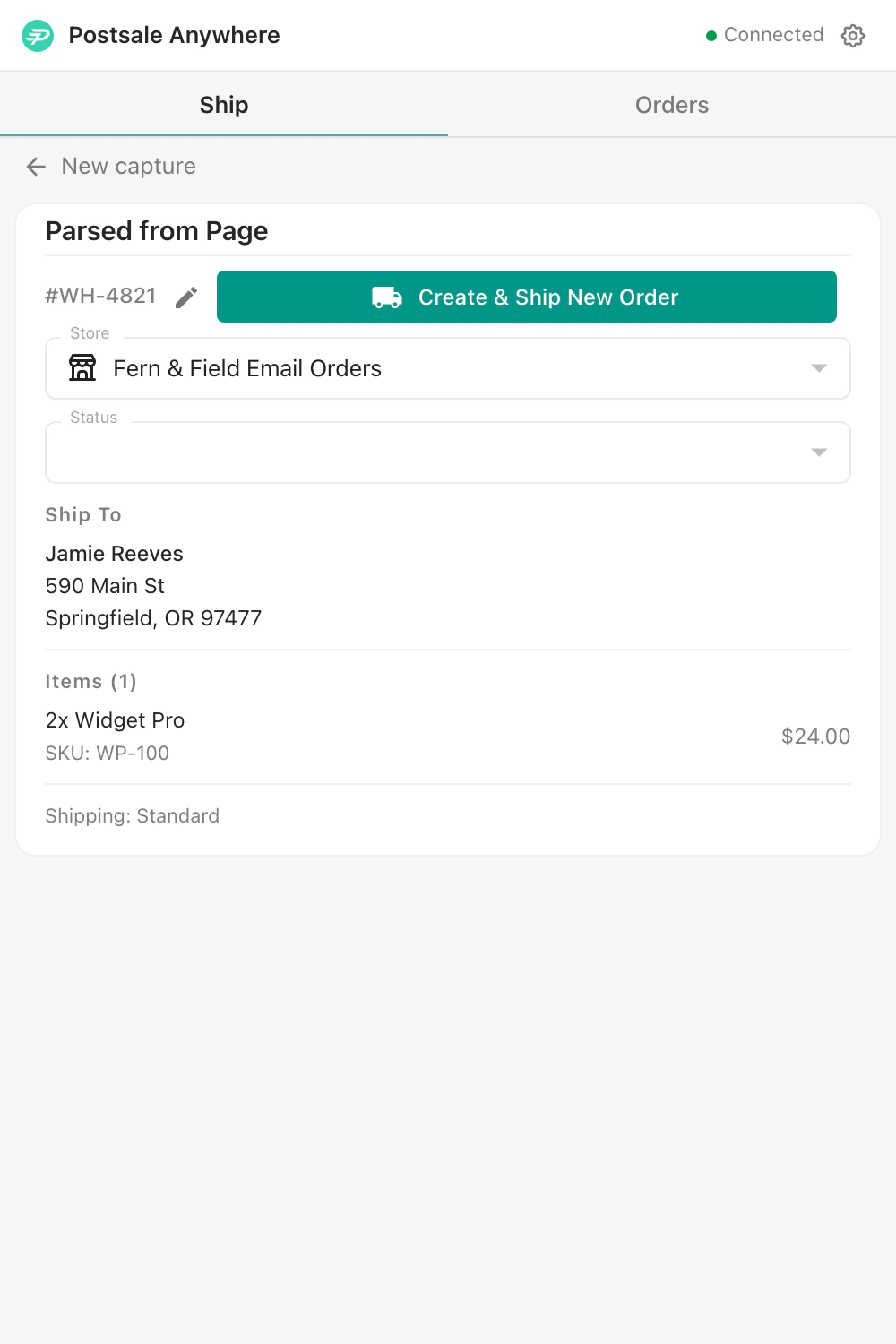
Anywhere fills in the name, address, items and order number. Change anything before you ship. Your default settings and shipping rules still apply.
03
Ship it.
Compare your FedEx, UPS and USPS rates side by side, then create and print the label without opening the web app.
The Windows download runs on Intel and ARM. Mac with an Intel chip? Download for Intel Macs →
Chrome extension
In Chrome.
Reads the order from the email or page you’re on and makes the label without leaving it.

- Inbox1
- Starred
- Sent
- Drafts
Order Confirmation #WH-4821
Sam Taylor <s.taylor@example.com>
to me ▾
Please ship the following:
Jamie Reeves
590 Main St
Springfield, OR 97477
2x Widget Pro (1.2 lbs ea)
Priority shipping
Postsale Anywhere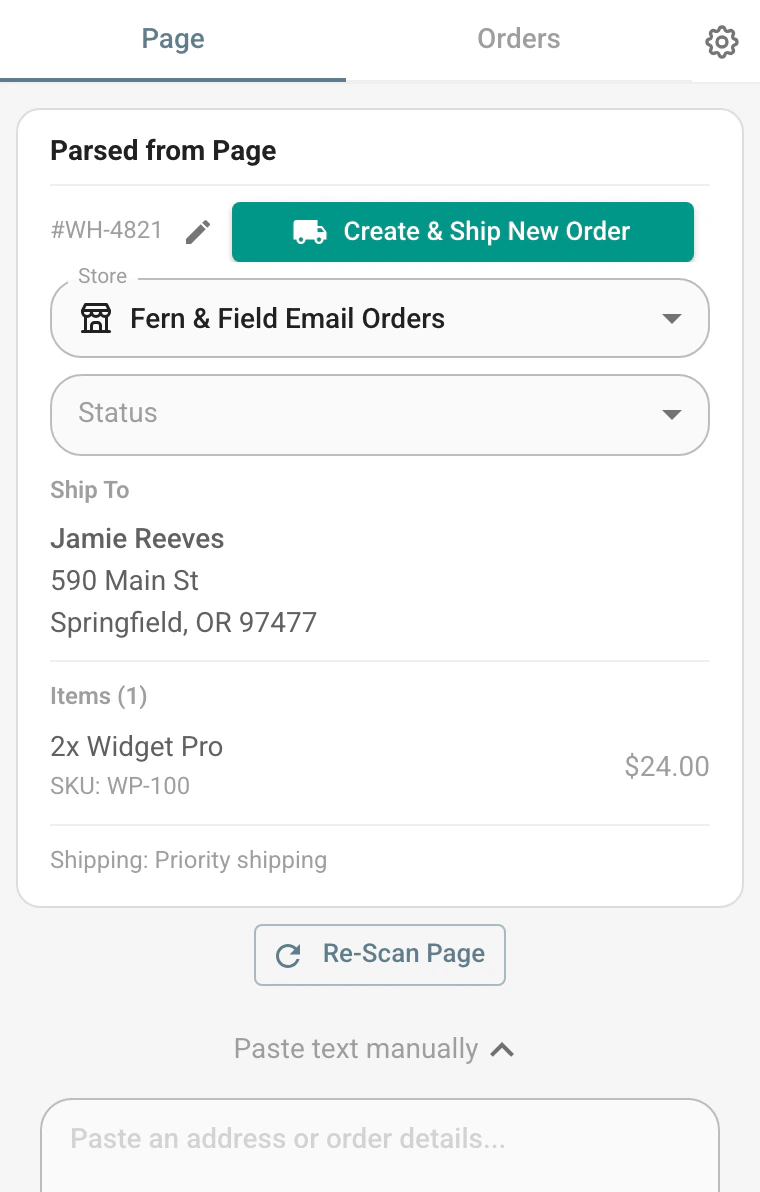
- Inbox1
- Starred
- Sent
- Drafts
Order Confirmation #WH-4821
Sam Taylor <s.taylor@example.com>
to me ▾
Please ship the following:
Jamie Reeves
590 Main St
Springfield, OR 97477
2x Widget Pro (1.2 lbs ea)
Priority shipping
Postsale Anywhere- Open it beside the order in your browser, whether it’s an email, an online spreadsheet or an order page.
- One click reads the page. More than one address becomes more than one shipment.
- Check what it read, compare your rates and print the label in the side panel.
In the Postsale web app
Every order you ship is in your Postsale account.
From an email, a PDF or an order page, the order you ship with Anywhere is saved in Postsale under the store you pick. Open the web app and it’s in your Orders Grid with the rest.
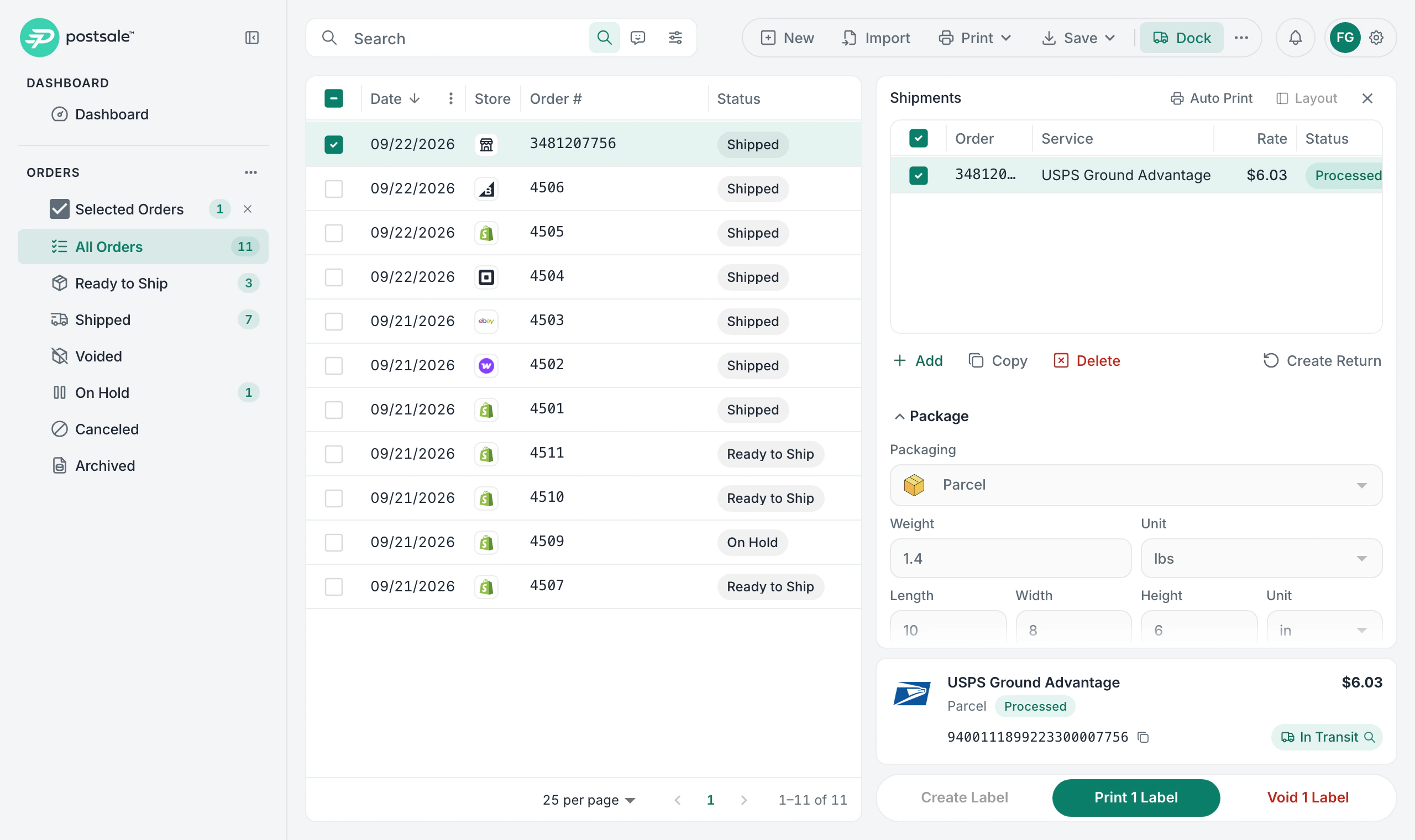
Everything you do with an order.
Edit it, change its status or copy it. You can reprint or void the label, or create a return, right from the order.
Tracking with the rest.
Follow it in the web app next to every other package you’ve shipped.
Your shipping rules.
Your default shipment and shipping rules set up the package and service, just as they do for your store orders.
Your automations.
Automations triggered by a new label, a tracking update or an order status change run on it too.
Which one do you need?
It depends on where your orders turn up. You can use both.
| Where the Order Is | Chrome extension | Desktop app |
|---|---|---|
| Email in your browser | Best fit | Works too |
| Web pages and online spreadsheets | Best fit | Works too |
| A desktop email app | No | Best fit |
| PDFs and documents | No | Best fit |
| Chat and messaging apps | No | Best fit |
Your store orders don’t need either. They come into Postsale on their own. See Integrations →
Selling on Etsy? The Chrome extension reads the order from the Etsy page you have open. Shipping Etsy Orders →
Questions before you download.
Is Postsale Anywhere included in my plan?
Yes. The desktop app and the Chrome extension come with every Postsale plan, at no extra cost.
Which computers does it run on?
The desktop app runs on Mac (Apple silicon or Intel) and on Windows (Intel or ARM). The extension runs in Chrome.
Do I need a Postsale account?
Yes. Anywhere signs in to your Postsale account and ships with the carriers and settings you already have there. If you’re new, your 14-day free trial starts with your name and email. No card to start.
Where do the orders I ship go?
Into your Postsale account, under the store you pick. They show up in your Orders Grid with your other orders, where you can edit them, reprint or void the label and follow the tracking. Your shipping rules apply, and automations triggered by a new label run on them too.
Do I need it if my orders come from Shopify?
No. Orders from your connected stores come into Postsale on their own. Anywhere is for the orders that come in somewhere else.
What if it reads something wrong?
You look over every order before the label is made, and you can change the address, the items or the order number first.
Which carriers can I use?
The ones you’ve set up in Postsale. Anywhere compares your FedEx, UPS and USPS rates side by side, the same as the web app.
Does it work on my phone?
Not yet. On a phone, use the Postsale web app in your browser.
Ship your next order from wherever it comes in.
Download the app or add the Chrome extension, then sign in with your Postsale account.
What’s New in the Desktop App →What’s New in the Chrome Extension →
New to Postsale? Anywhere works with your account, so start there.
14-day free trial No card to start Cancel anytime Human support from day one