Webhooks: Manage Your Webhooks
Edit and manage your existing Postsale webhooks
Follow the steps in this article when you need to edit the webhooks you have added to Postsale.
Access the Webhook Store Settings
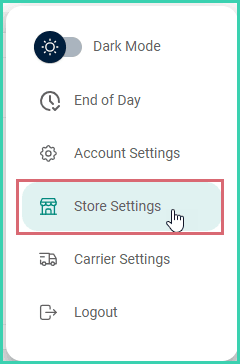
Go to Settings.

Select Store Settings.
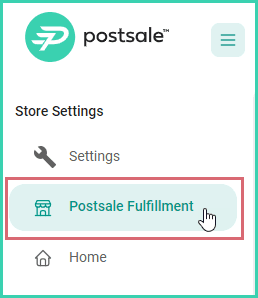
Select the webhook store to edit from the Store Settings menu.
Edit the Store Logo and Store Name
Store Logo
When added, the store logo will appear in templates that are configured to display a logo, such as the Invoice with Logo template. Here's how to update the logo associated with your webhook store:
Click the current store logo.
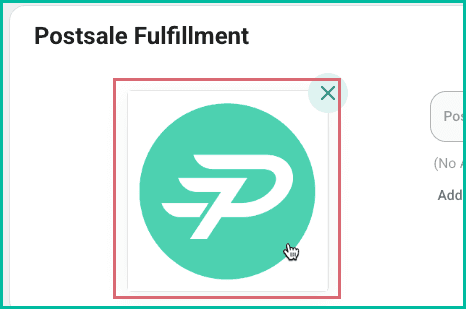
A preview of the logo is displayed.
Click the Edit Image button.
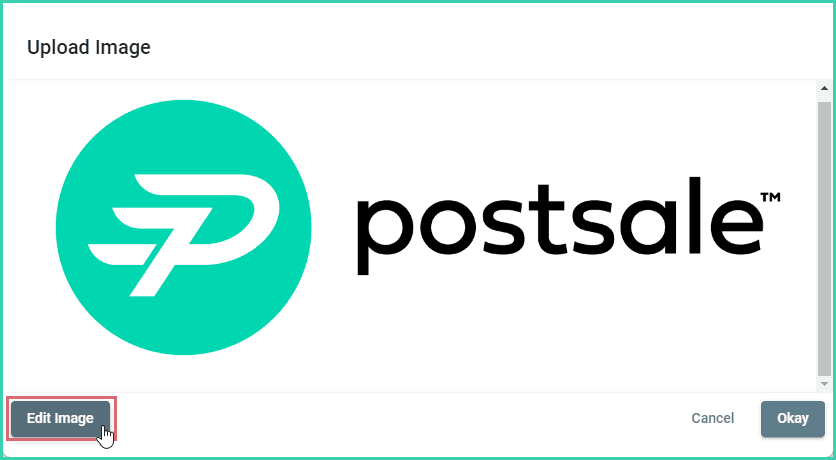
The image edit options are displayed.
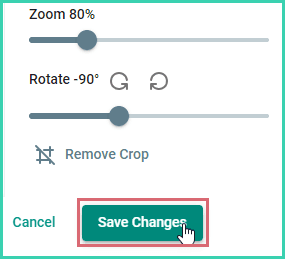
Perform the following edits as needed:
- a. Swap the image: Click the Select Image button to select a different image file. The file you select will replace the current image.
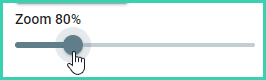
- b. Resize: Use the Zoom slider to resize the image.
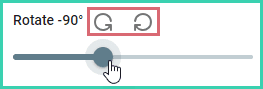
- c. Rotate: Click the rotate icons to rotate the image 90 degrees clockwise or counterclockwise. Move the Rotate slider left or right to rotate the image incrementally.
- d. Crop: Drag the crosshair icon over the area of the image you wish to crop. Then, fine tune your crop.
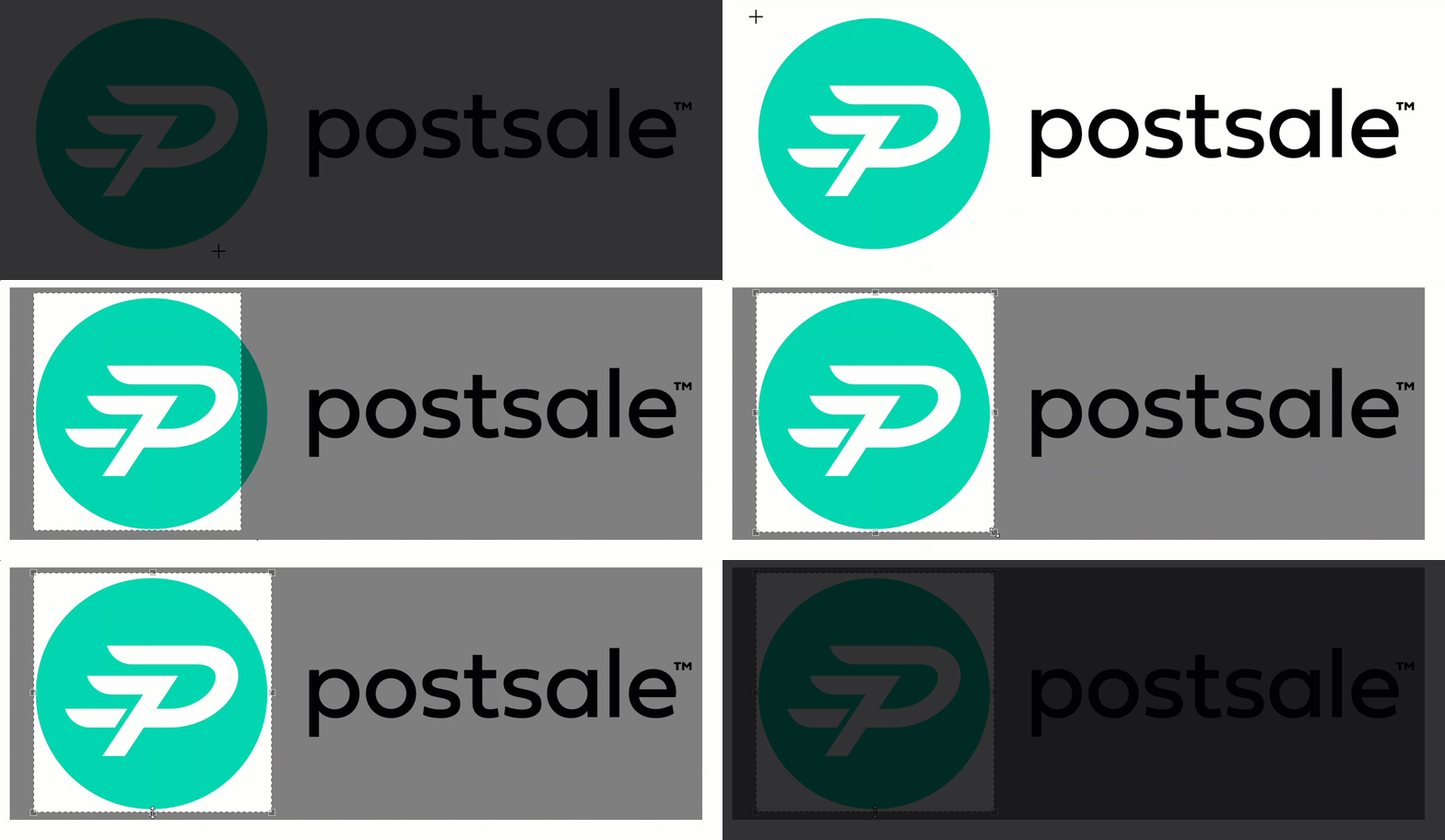
Click Remove Crop to revert back to the original, uncropped image.

Click the Save Changes button to save your edits.
Store Name
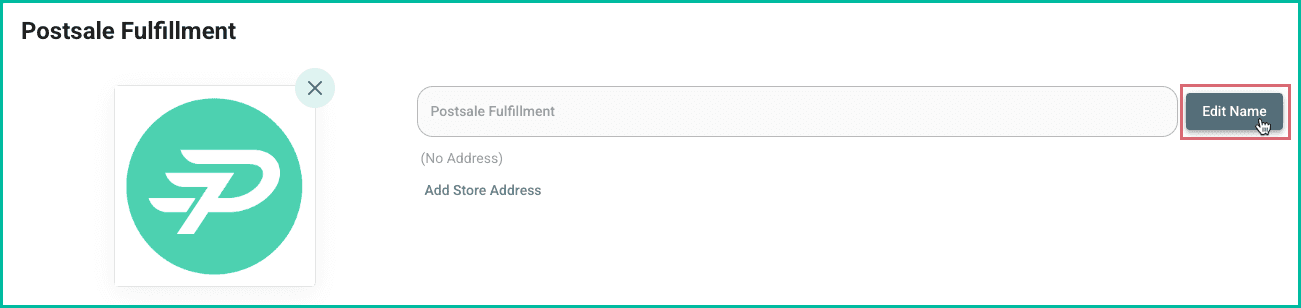
To change the store name:
Click the Edit link under the store name field.
Enter the new name for the store.
Click the Save button.
Store Address
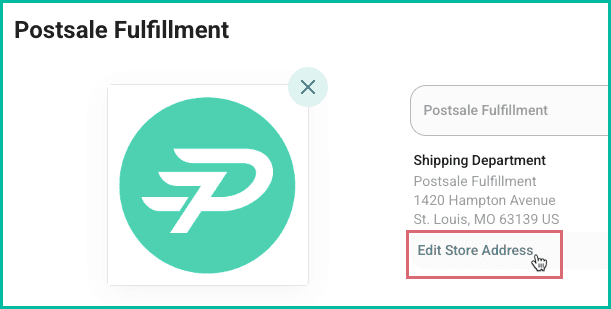
To change the unique Store Address associated with your Webhook store:
Click Edit Store Address.
Update the address.
Click Save.
Webhook Settings
Webhook URL
The webhook URL is displayed in the Webhook Settings section. You have the options to:
- Copy to Clipboard: This is useful when you need to copy the URL so that it can be pasted into another application.

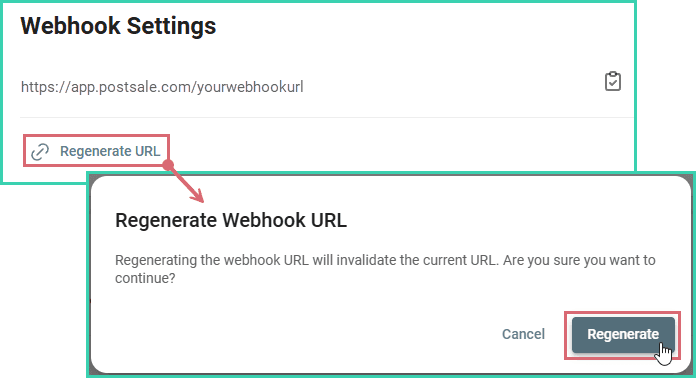
- Regenerate URL: Useful when you need to create a new URL for the connection, such as when the current URL has been compromised.
- Click the Regenerate URL button. Then, confirm that you wish to create a new URL for the webhook.
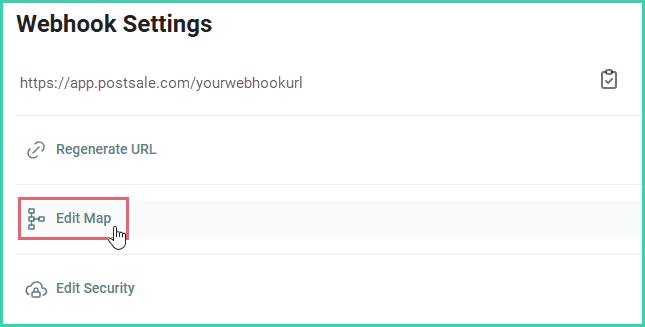
Edit the Webhook Field Mapping
Follow these steps when you need to modify the webhook's field mapping:
Click Edit Map.
Make the necessary updates to the mapping.
Click the Save button.
Update the Webhook Security
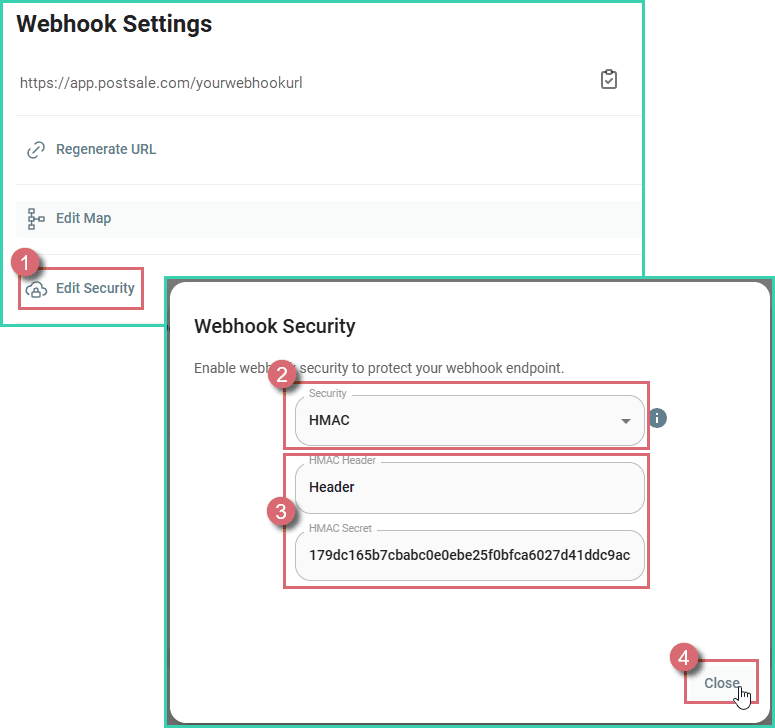
Follow these steps when you need to update the security used to authenticate webhook requests:
Click the Edit Security button.
Select the correct security method from the Security drop-down menu.
Enter the correct values into the appropriate fields for the security method being used.
Click Close to save your updates.
Pro Tip: Webhook Logs
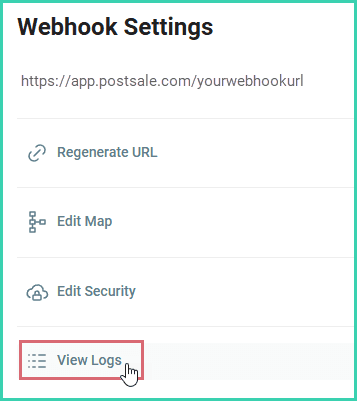
View Webhook Logs whenever you need detailed insights into your webhook activity. For instance, they’re great for troubleshooting specific events or digging deeper into your webhook connection details.
Select View Logs.
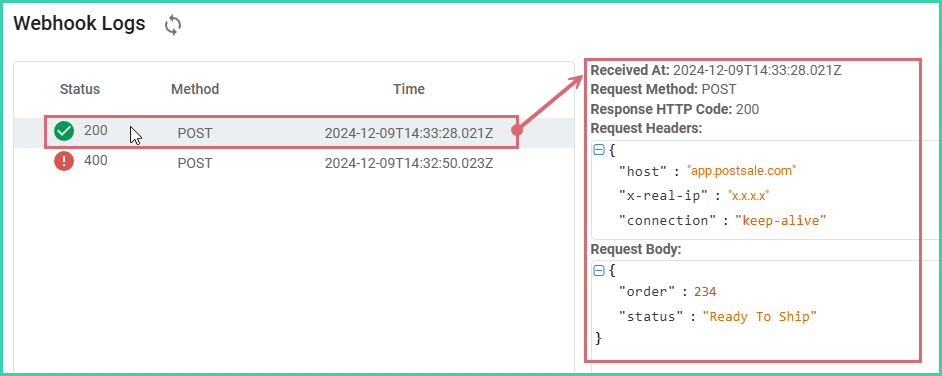
The Webhook Logs screen opens. Webhook events are listed chronologically with the most recent event at the top of the list. The Status/Response Code, HTTP Method, and Date/Time is listed for each event.
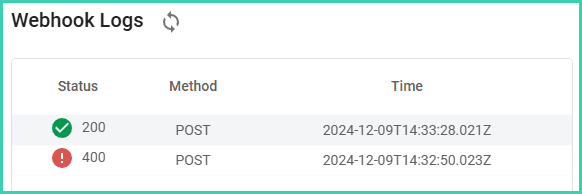
An example of a successful and an unsuccessful Post event.
Select a row to view detailed information about the selected event.
Automation Settings
Verify that you wish for Postsale to perform the following actions automatically:
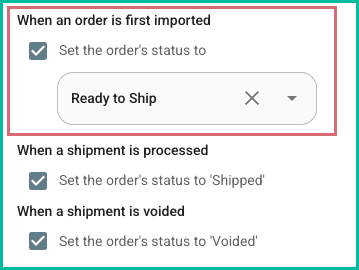
- When an order is first imported
-
Set the order's status to [select the status from the drop-down menu]
Enable this option to specify what the local status of the order should be set to when order's are imported for the first time. With this option disabled, the order's local status will be blank when imported.
-
- When a shipment is processed
-
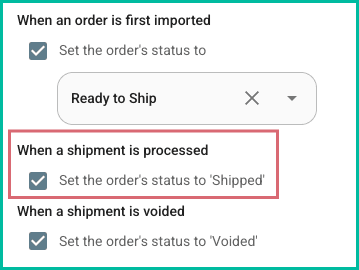
Set the order's status to ‘Shipped’
With this option enabled, Postsale will set the order's status to ‘Shipped’ when a label is created for the order.
-
- When a shipment is voided
-
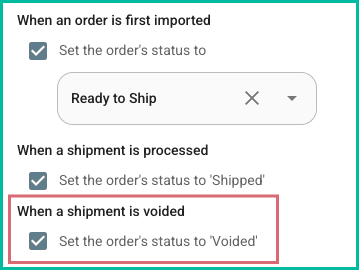
Set the order's status to ‘Voided’
With this option enabled, Postsale will set the order's status to ‘Voided’ when a shipment is voided for the order.
-
Delete the Store
When a store is deleted:
- Deleting a store cannot be undone.
- The store is no longer available in the list of stores in the Store Settings menu.
- No future orders or order updates for this webhook will be accepted by Postsale.
- Order and shipment history for the deleted store remain available for you to access in Postsale.
- Order and shipment history can be archived so that it no longer displays in the Orders Grid.
Follow these steps to permanently delete the webhook store from Postsale.
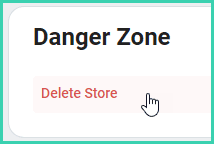
Click the Delete Store button.
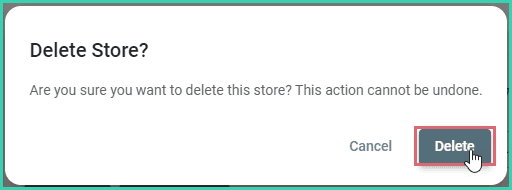
Click Delete to verify that you wish to delete the store.
Still have a question? Ask a person.
Write to support@postsale.com or send us a message. We reply the same business day, Monday to Friday, 8 AM to 5 PM Central.