UPS: Add Your Account
Add your UPS account to Postsale
Connect your UPS account to Postsale to calculate UPS shipping rates, view transit times, and print shipping labels for domestic and international UPS services.
Before We Begin
To connect your UPS account to Postsale, you will need:
- Your UPS account username or email address
- Your UPS account password
- Your UPS account number
No UPS Account? No Problem.
We have partnered with UPS to offer you the opportunity to sign up for a UPS account with built-in discounts. Once you have created your account, return to Postsale to finalize the setup process with your new UPS account information.
Add Your UPS Account
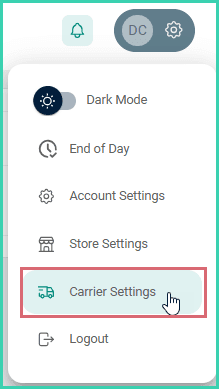
Go to Settings.

Select Carrier Settings.
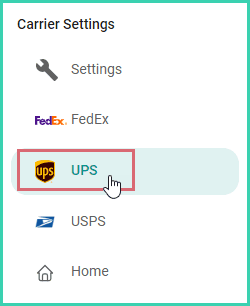
Select UPS.
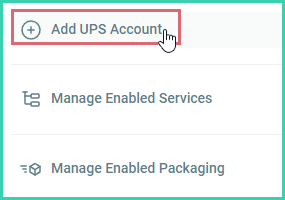
Click Add UPS Account.
Click the Login button.
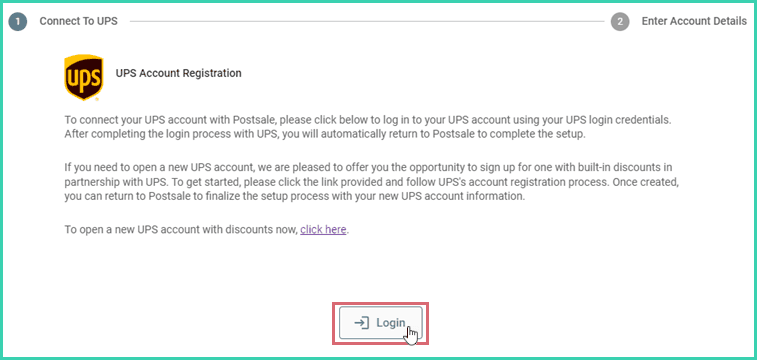
You will be redirected to the UPS Login page.
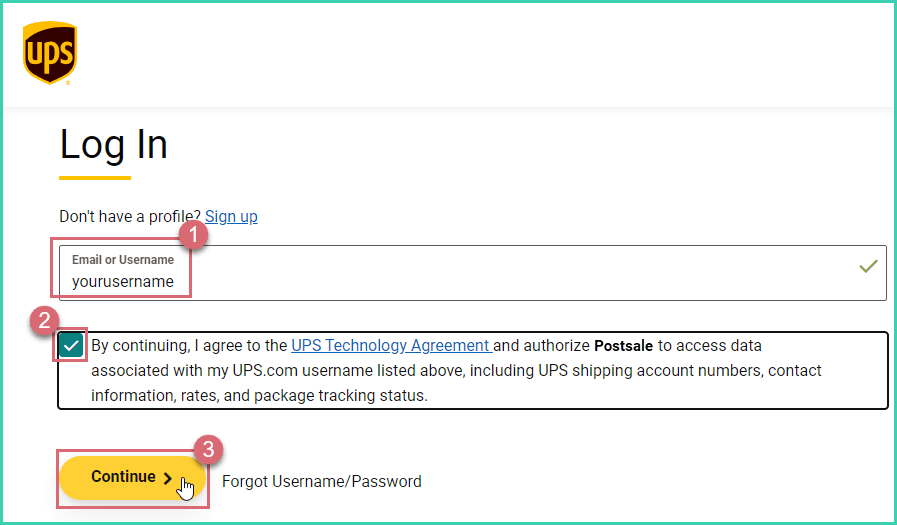
Enter your UPS Email or Username and check the box to agree to the UPS Technology Agreement. Then, click Continue.
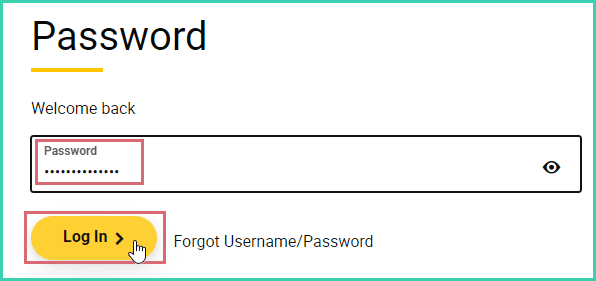
Enter your UPS account Password. Then, click Log In.
After successfully logging in, you will be redirected to Postsale.
Enter the following information. Then, click Save.
a. Nickname: Used to identify this UPS account in Postsale.
b. Address: Enter the address you wish to use as the Ship From address when creating labels.
c. UPS Account Number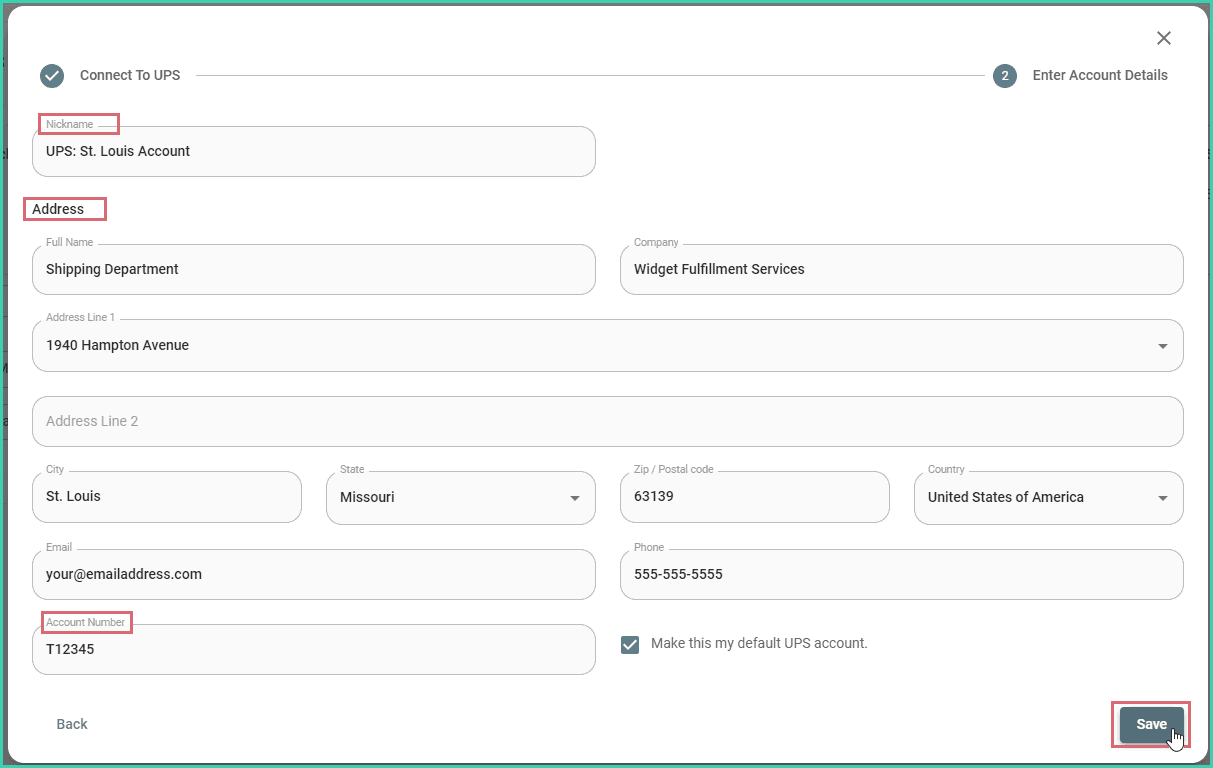
Default Account
When more than one UPS account is added to Postsale, use the Make this my default UPS account checkbox to indicate that this account should be used to calculate and display rates in Postsale and to create UPS shipping labels.

Select the Default Account
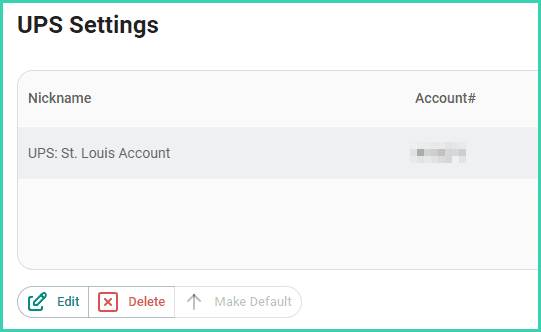
Need to switch default accounts? Select the account and click the Make Default button.
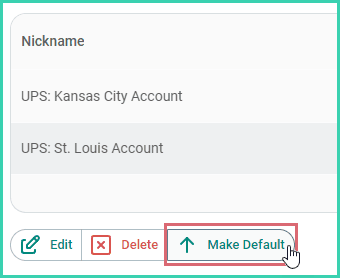
The account has been added to Postsale and is displayed on the UPS Settings screen.
May We Suggest
We suggest the following help articles to assist you with shipping your orders with UPS.
On this page
Related