USPS: Edit Your Account Details
Edit USPS Account Details | Edit the Origin Address
There may be times when you need to update the information associated with your USPS account in Postsale.
In this article, we will look at how to:
- Update your USPS account details in Postsale
- Edit your USPS account's origin address Update the USPS account International settings
Before We Begin
This article assumes that you have at least one USPS account added to Postsale.
Edit Your USPS Account
When you need to update your USPS account information:
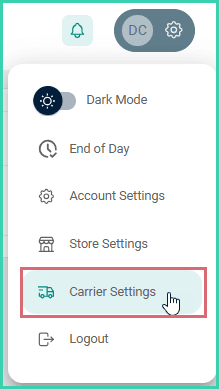
Go to Settings.

Select Carrier Settings.
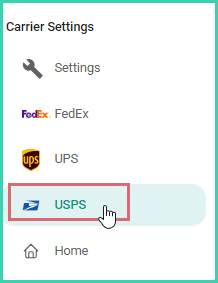
Select USPS from the list of available carriers.
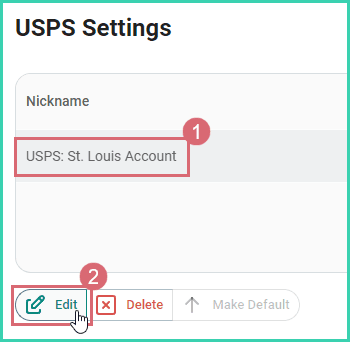
Select your USPS account. Then, click Edit.
On this page
Related