Amazon Shipping: Edit Your Account Details
Edit Amazon Shipping account details | Edit the origin address
Sometimes you may need to update the information associated with your Amazon Shipping account in Postsale.
In this article, we will look at how to:
- Update your Amazon Shipping account Nickname.
- Reconnect your Amazon account to Postsale.
- Edit the Origin Address associated with your account.
Before We Begin
This article assumes that you have at least one Amazon Shipping account added to Postsale.
Edit Your Amazon Shipping Account
Go to Settings.
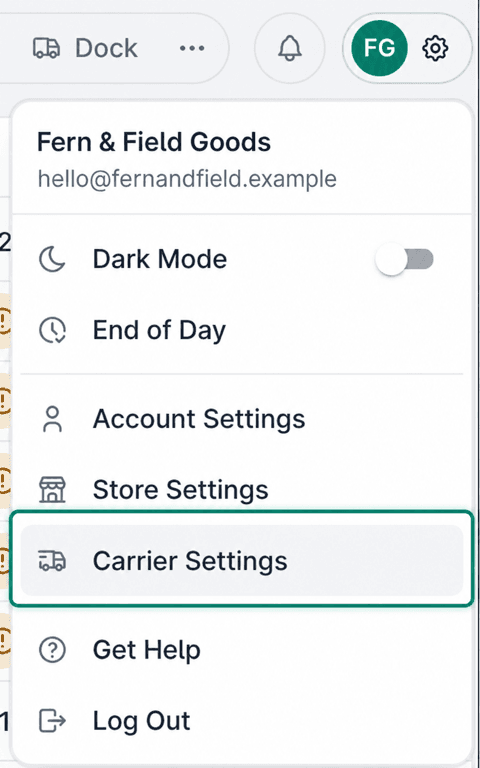
Select Carrier Settings.
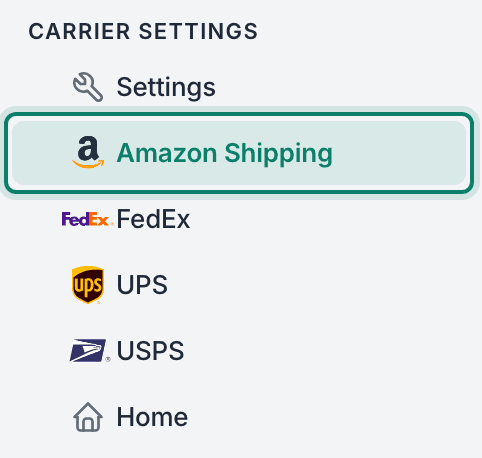
Select Amazon Shipping.
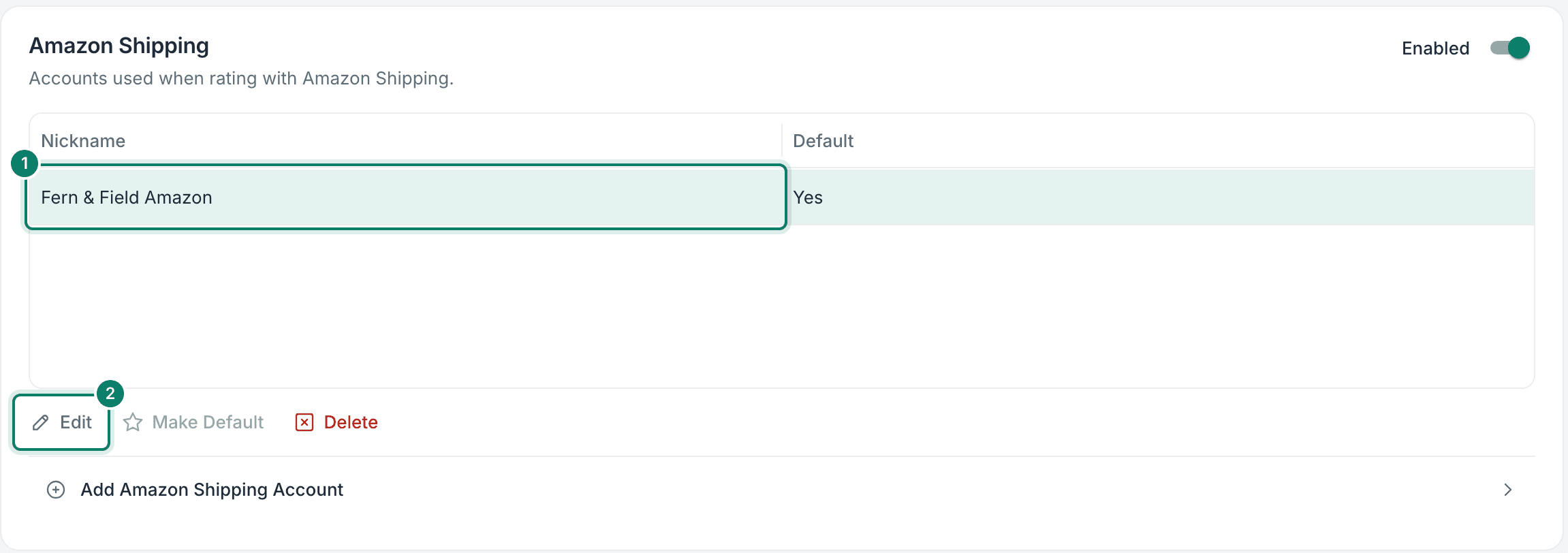
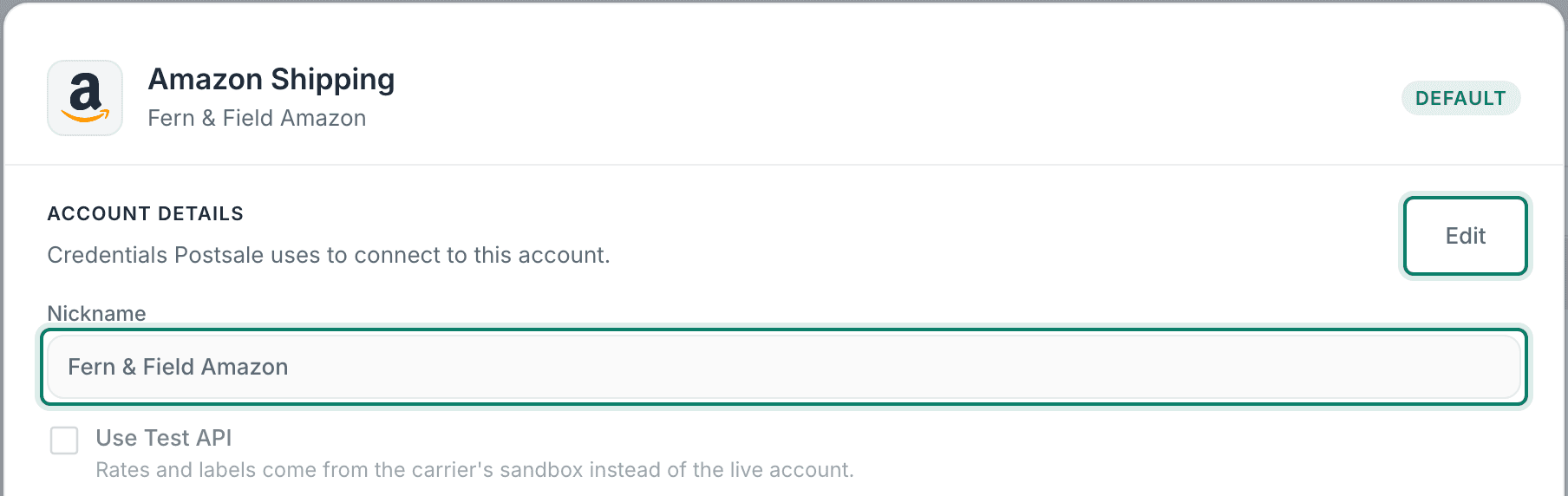
Select the Amazon Shipping account. Then click Edit.
The Account Details pop-up opens.
Click Edit to update the Nickname for the account.
Click Sign In to Amazon Shipping to reconnect Postsale to your Amazon Shipping account.
The status of the connection is displayed for you in the Connection section.

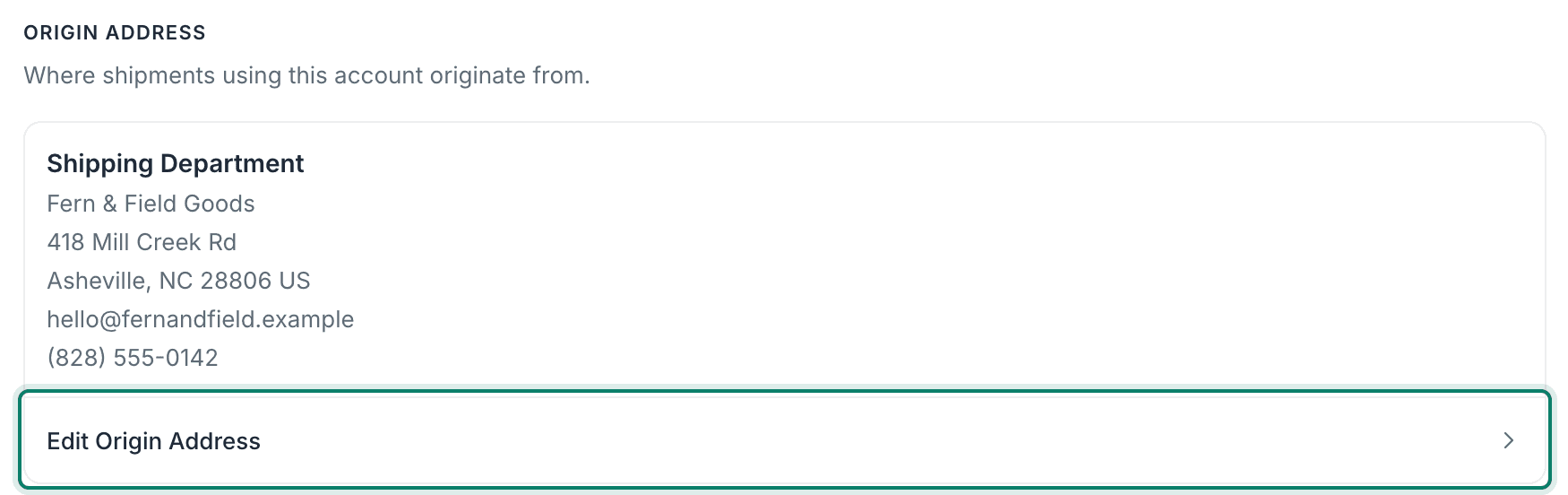
Select Edit Origin Address to update the address for this account.
The Origin Address is used as the Ship From Address when shipping with this account.
Click Done to save your changes.

Still have a question? Ask a person.
Write to support@postsale.com or send us a message. We reply the same business day, Monday to Friday, 8 AM to 5 PM Central.