Amazon Shipping: Add Your Account
Add your Amazon Shipping account to Postsale
Amazon Shipping is a ground delivery service that lets you ship orders in Postsale through Amazon's delivery network. It offers package tracking and delivery seven days a week, with no extra fees for residential or weekend delivery, so it gives you another way to get orders to your customers.
This article guides you through adding Amazon Shipping to Postsale.
Before We Begin
To add your Amazon Shipping account to Postsale, you will need:
- An active Amazon Seller Central account enrolled in Amazon Shipping.
- To set up an Amazon Shipping account, visit Amazon's website.
- Your Amazon Seller Central login credentials.
- To be logged into Postsale as the account owner, as a manager or as a user assigned the Manage Carriers permission.
Add Your Amazon Shipping Account
Go to Settings.
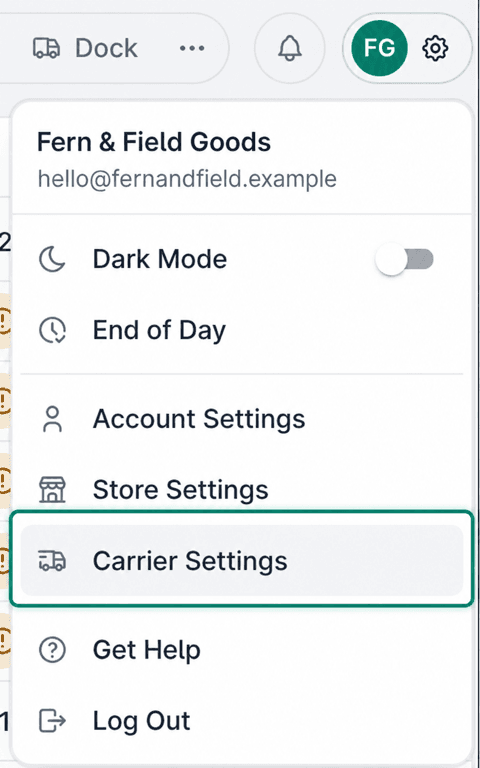
Select Carrier Settings.
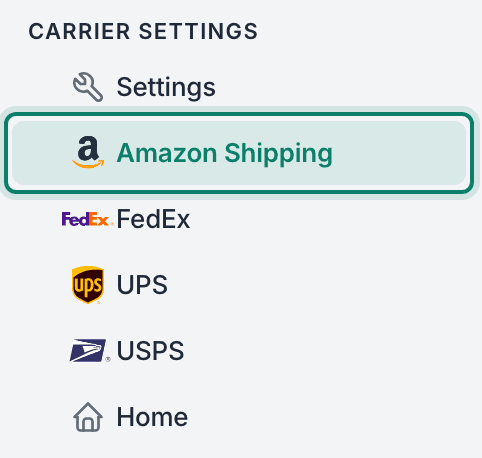
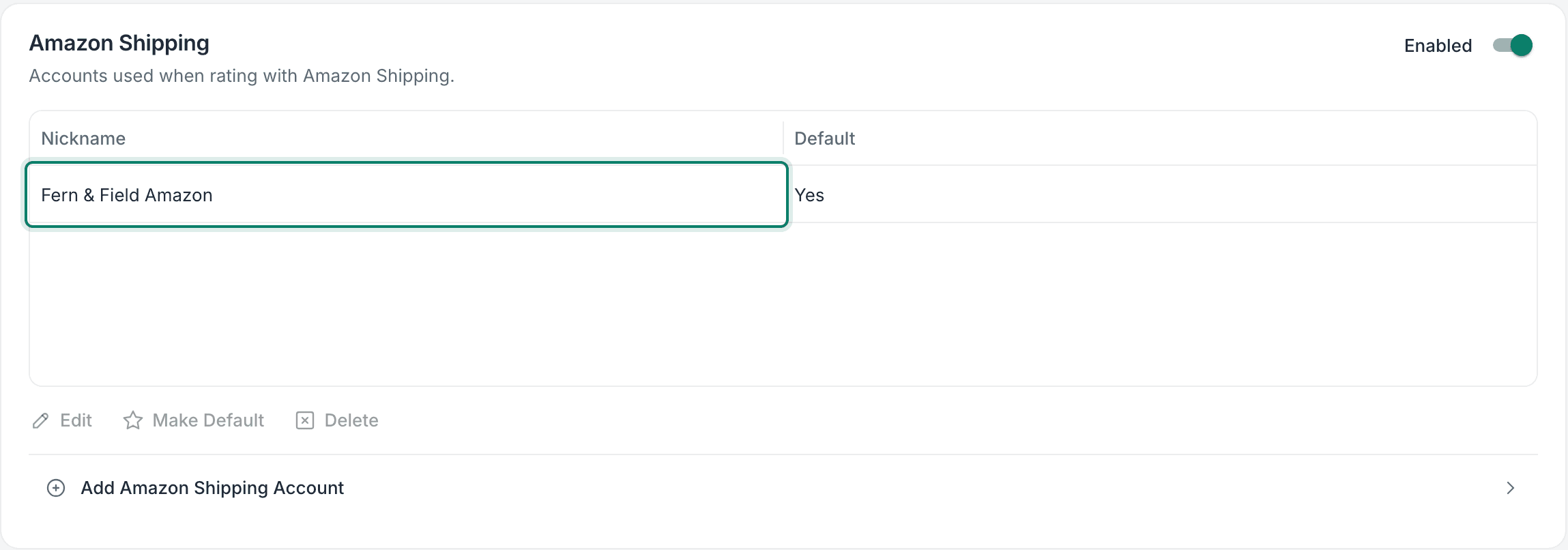
Select Amazon Shipping.
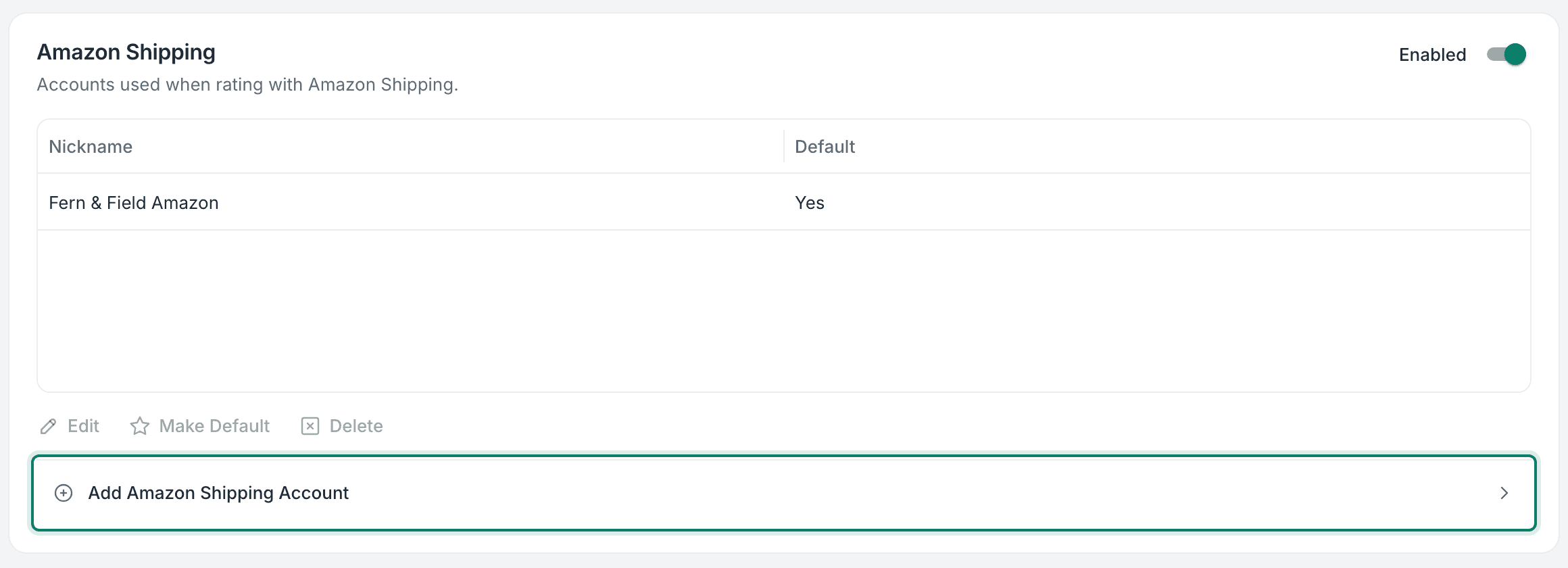
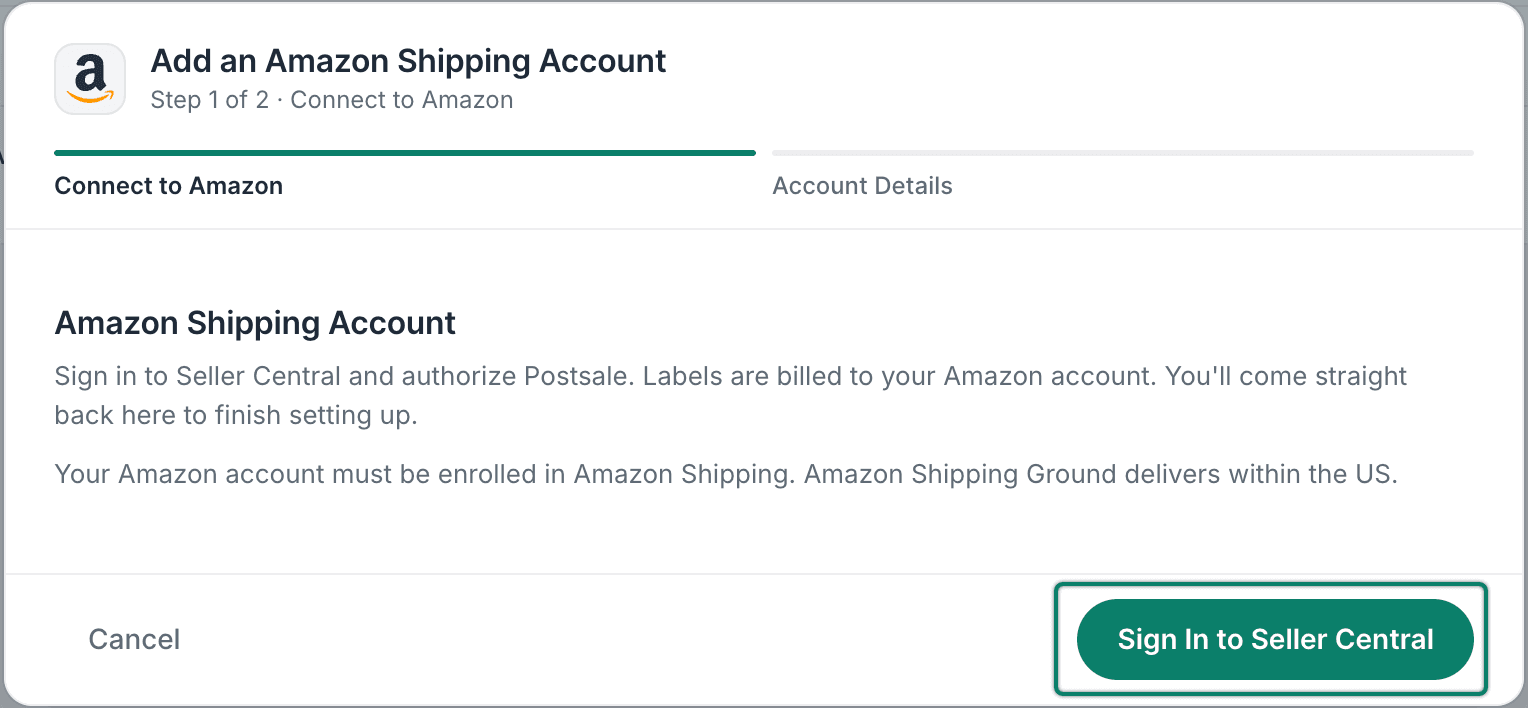
Click Add Amazon Shipping Account.
The Add an Amazon Shipping Account pop-up opens.
Click Sign In to Seller Central.
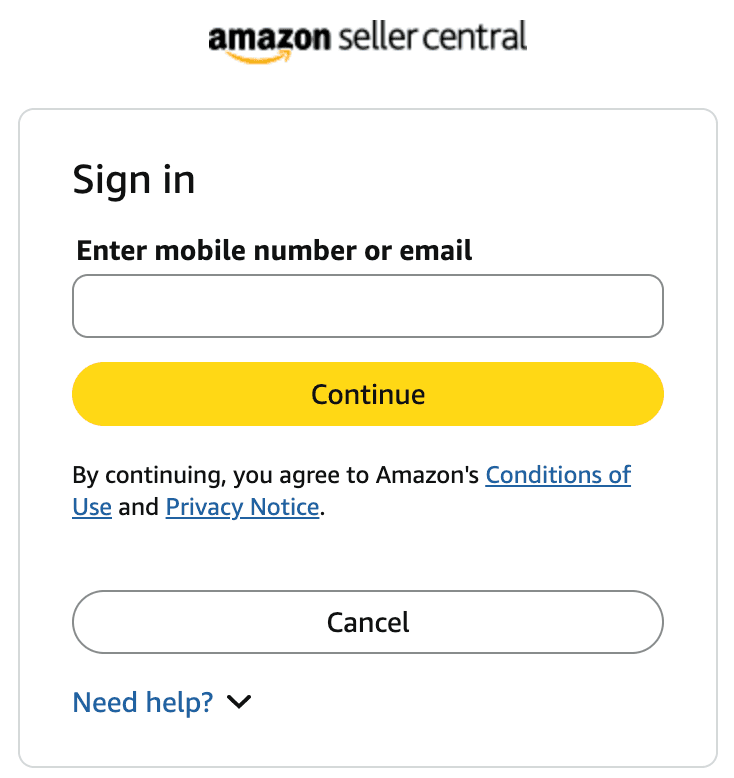
You are redirected to the Amazon Seller Central login page.
Follow Amazon's steps to sign in to Seller Central and allow the connection. When you're done, you're redirected back to the Account Details screen in Postsale.
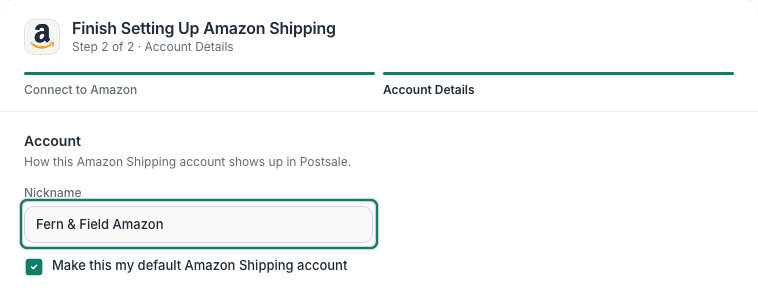
Enter a Nickname for the account. This is the name that will appear in the list of accounts in Postsale.
Enter the Origin Address for this account. This address will be used as the Ship From Address for your Amazon Shipping shipments.
Learn more about managing Origin Addresses.
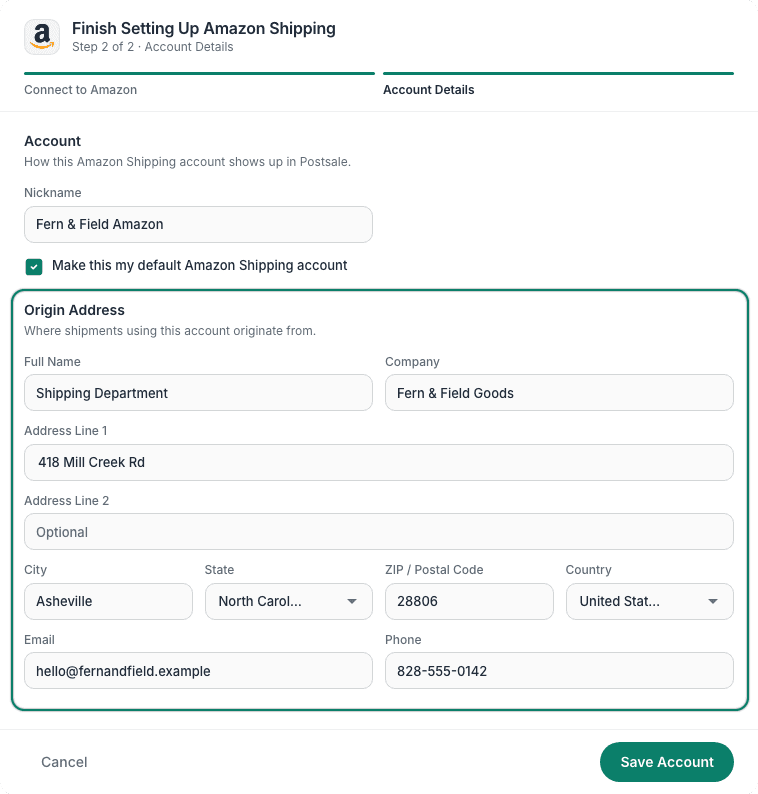
Click Save Account to finish the setup.

Your Amazon Shipping account has been added and now appears in the account list.
Good to Know
- Amazon Shipping can be used for domestic shipments only.
- Return labels are not available with Amazon Shipping.
- Postage for Amazon Shipping labels is billed to your Amazon Shipping account.
Still have a question? Ask a person.
Write to support@postsale.com or send us a message. We reply the same business day, Monday to Friday, 8 AM to 5 PM Central.