Edit Your Store Settings
Need to modify a store's settings? This article shows you how.
Sometimes you may need to modify or update your store's settings, such as the store name, logo, address, automation, or connection settings.
This article will show you how.
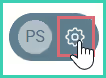
Go to Settings.
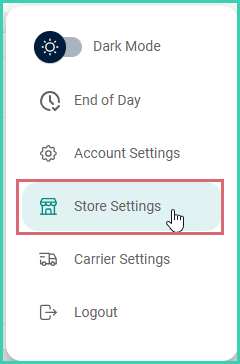
Select Store Settings.
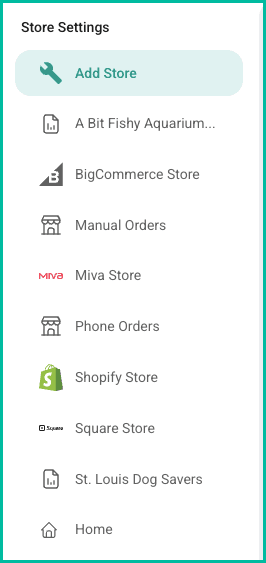
Select the store you want to edit from the list under Store Settings.
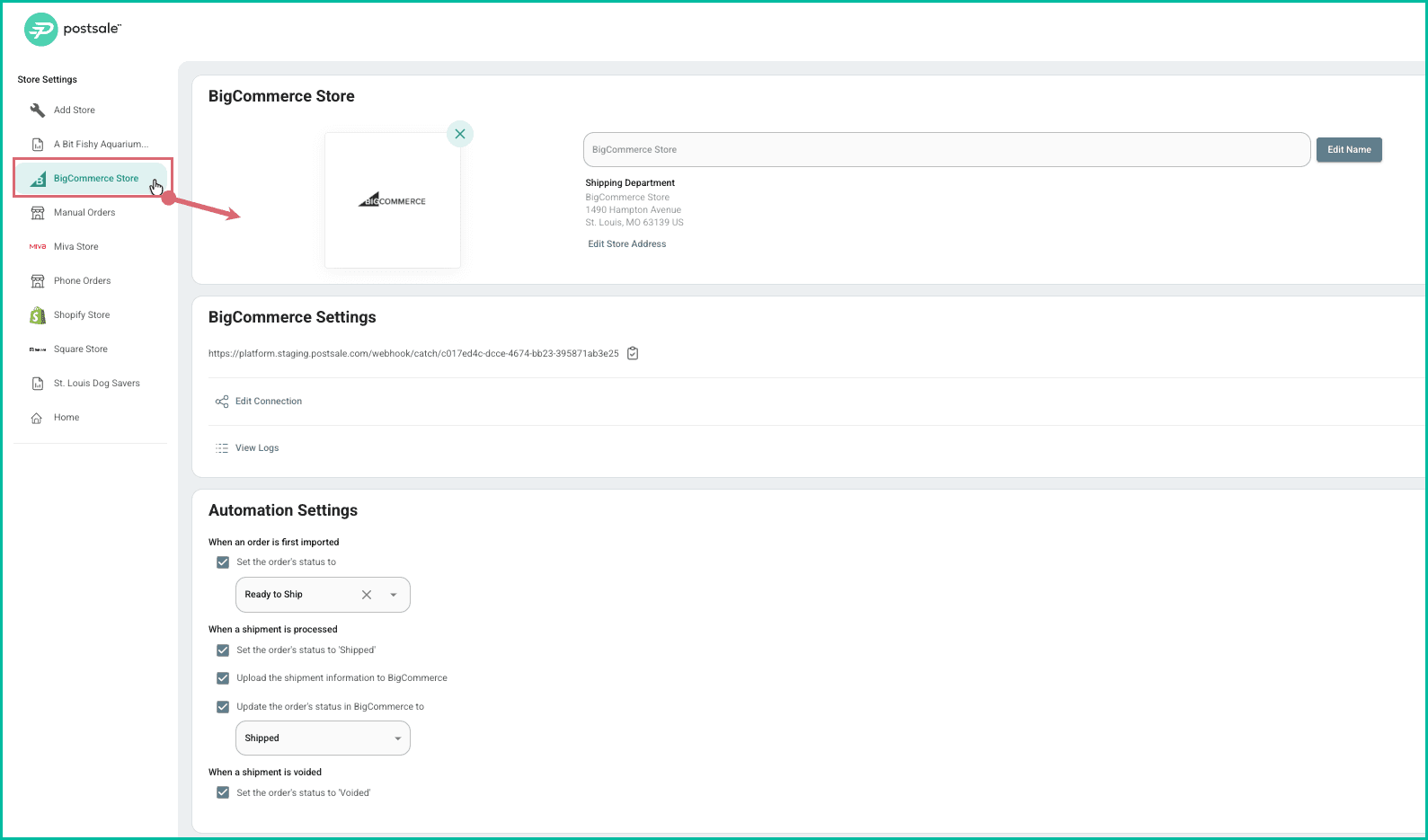
Edit or update the settings for your store and store type. The available settings for the store type you selected are displayed. For example, if you select a BigCommerce store, the available options will include BigCommerce-specific connection options, etc.
Still have a question? Ask a person.
Write to support@postsale.com or send us a message. We reply the same business day, Monday to Friday, 8 AM to 5 PM Central.