Webhooks: Manage Your Webhooks
Edit, test, pause, or delete the webhooks you have added to Postsale. Keep your external integrations running smoothly as your workflow changes.
Follow the steps in this article when you need to edit the webhooks you have added to Postsale.
Access the Webhook Store Settings
-
Go to Settings.

-
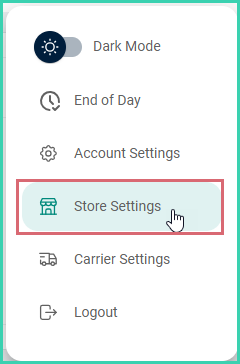
Select Store Settings.
-
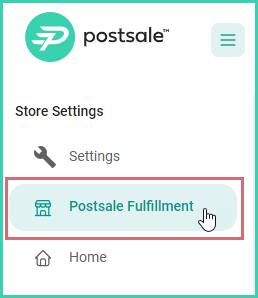
Select the webhook store to edit from the Store Settings menu.
Webhooks are available on the Soar plan. See the integrations page for all import methods, or visit pricing for plan details.
On this page
Related