Edit Your Store Settings
Update your connected store's import rules, sync preferences, and other settings in Postsale when your sales channel configuration changes.
There may be times when you need to modify or update your store's settings such as the store name, the logo the store's address, or the store's connection settings.
This article will show you how.
-
Go to Settings.

-
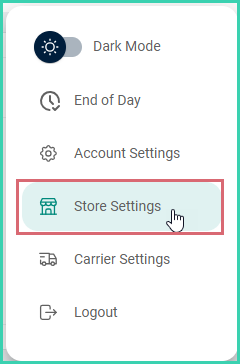
Select Store Settings.
-
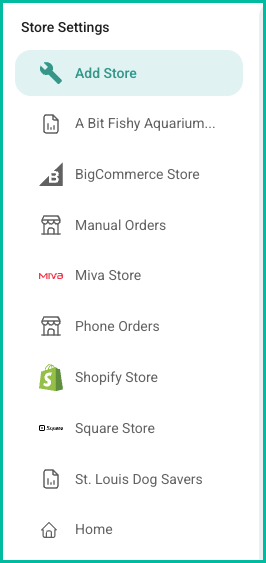
Select the store you wish to edit from the list of stores listed under Store Settings.
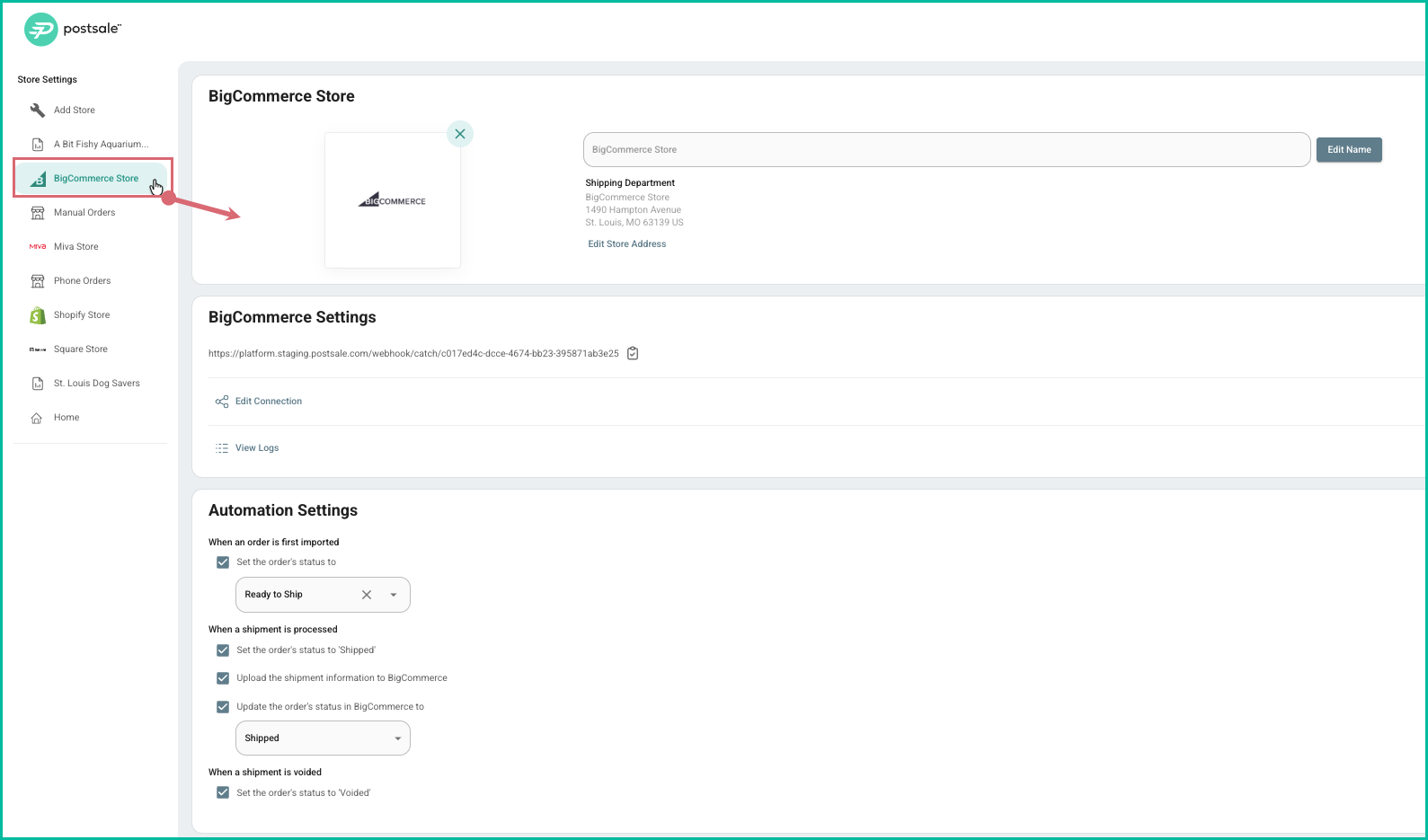
The available settings for the store type you selected are displayed for you. For example, if you select a BigCommerce store, the available options will contain BigCommerce specific connection options, etc.
-
Edit or update the settings for your store and store type.
Postsale integrates with Shopify, WooCommerce, BigCommerce, Square, Miva, and eBay. See the integrations page for a complete overview, or visit pricing to get started.
Related