FedEx: Close FedEx Ground® | End of Day
Perform a FedEx Ground® End of Day | Print FedEx Ground® Manifest
The FedEx Ground® End of Day reconciles shipment information for your FedEx Ground shipments and allows you to print a FedEx Ground Pickup Manifest for your driver. Typically, the manifest is generated after all shipments are completed for the day and must be printed before Ground shipments are given to FedEx. However, if you need to continue shipping, the End of Day close can be performed multiple times throughout the day as needed.
This article walks you through performing a FedEx End of Day and viewing and printing previously generated manifests.
Before We Begin
This article assumes that:
- You have added your FedEx account to Postsale
- You have shipped at least one FedEx shipment today that appears on the manifest (see Good to Know)
Perform FedEx Ground® Close | End of Day
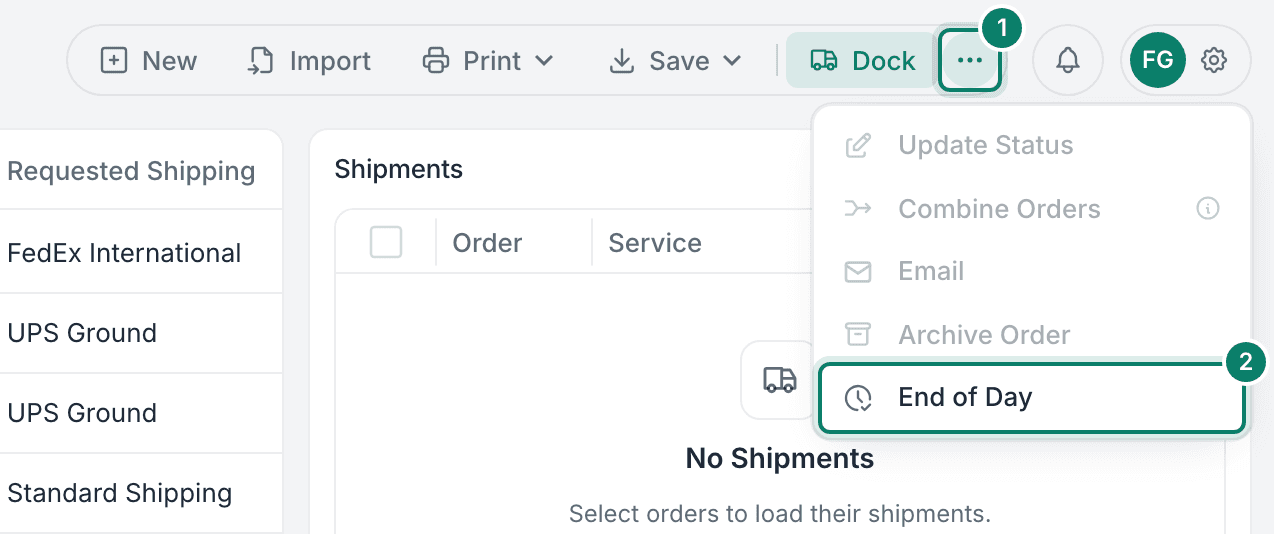
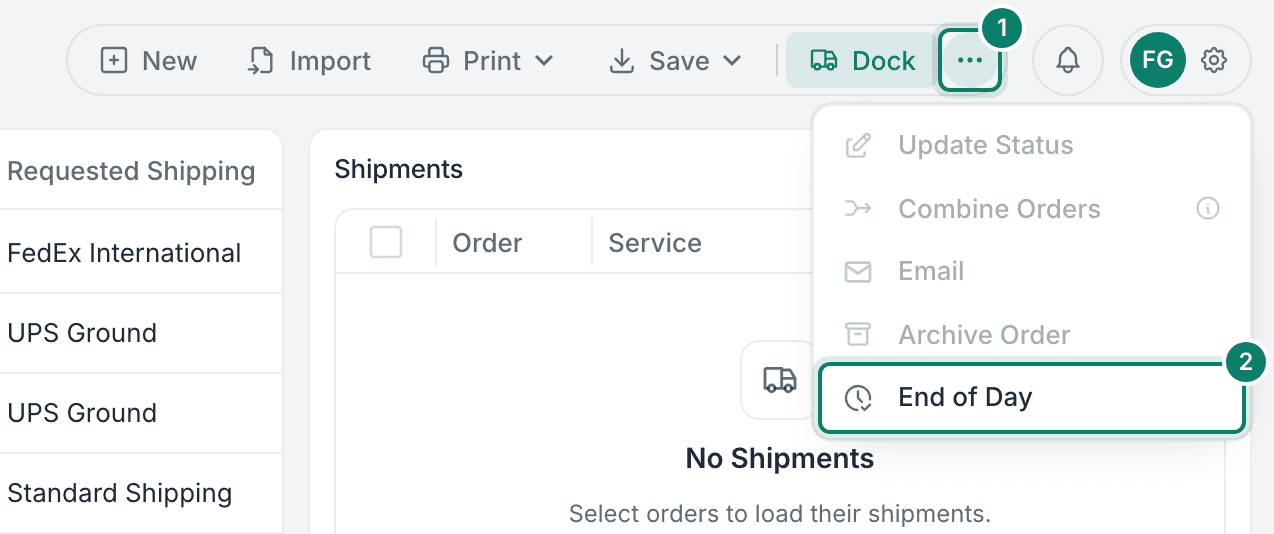
Click More actions (the three dots) and select End of Day.
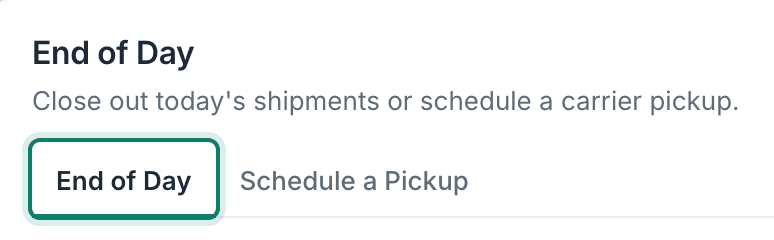
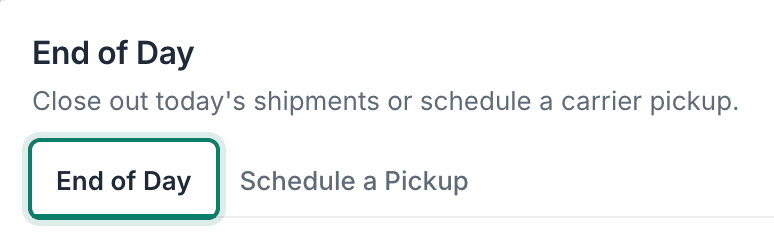
Verify that the End of Day tab is selected.
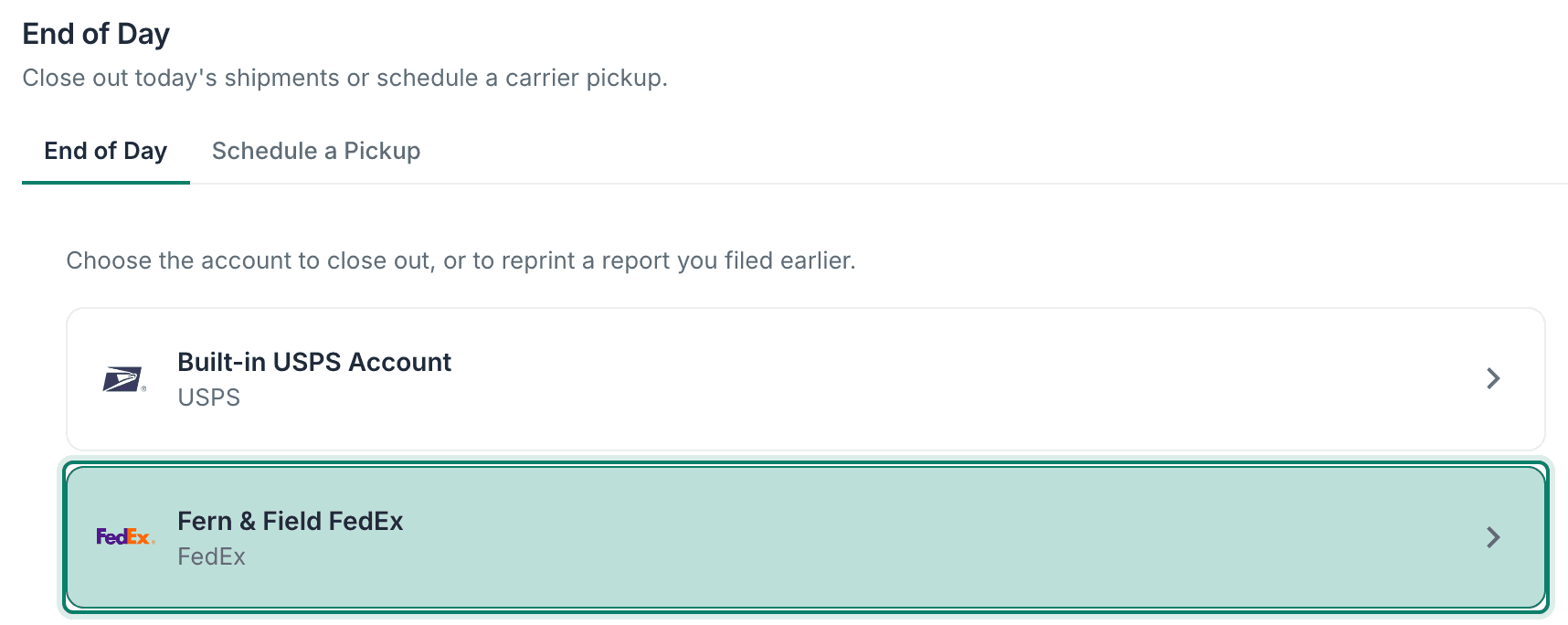
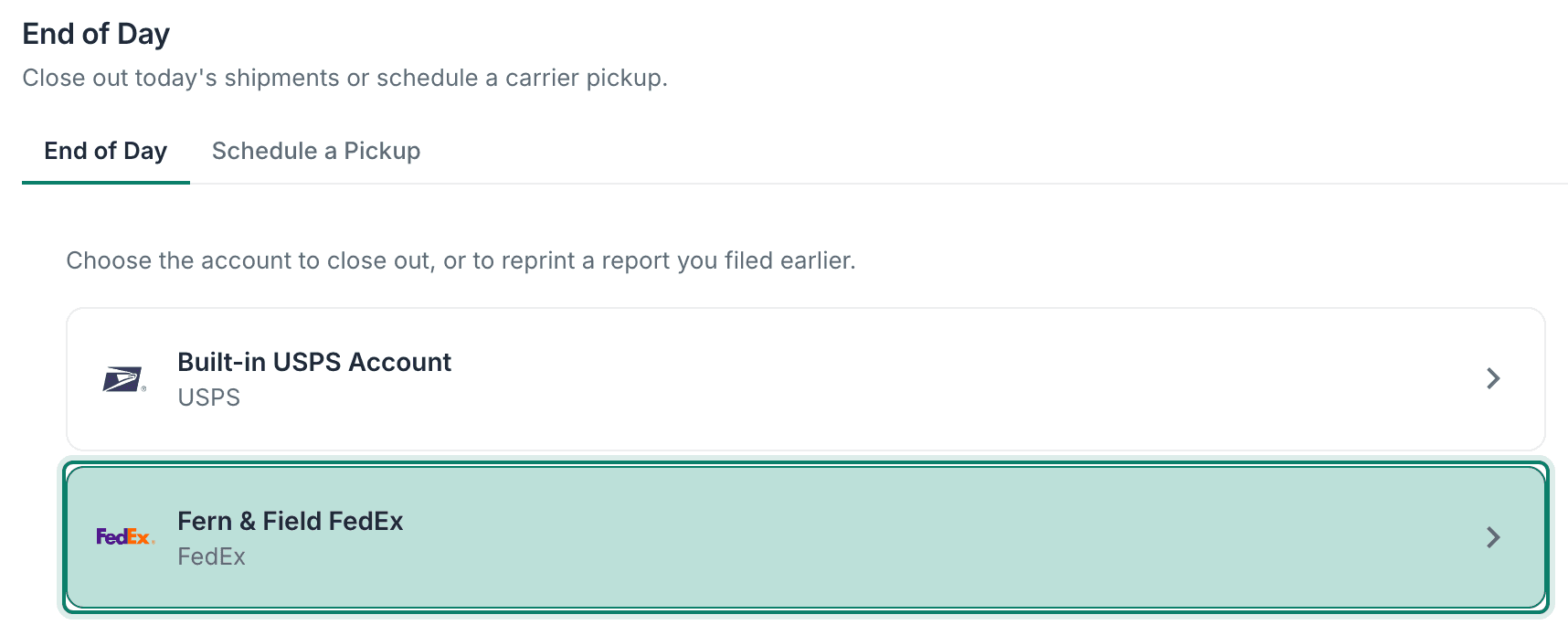
Select the FedEx account for which you would like to perform an End of Day.
Click the Close Out button.
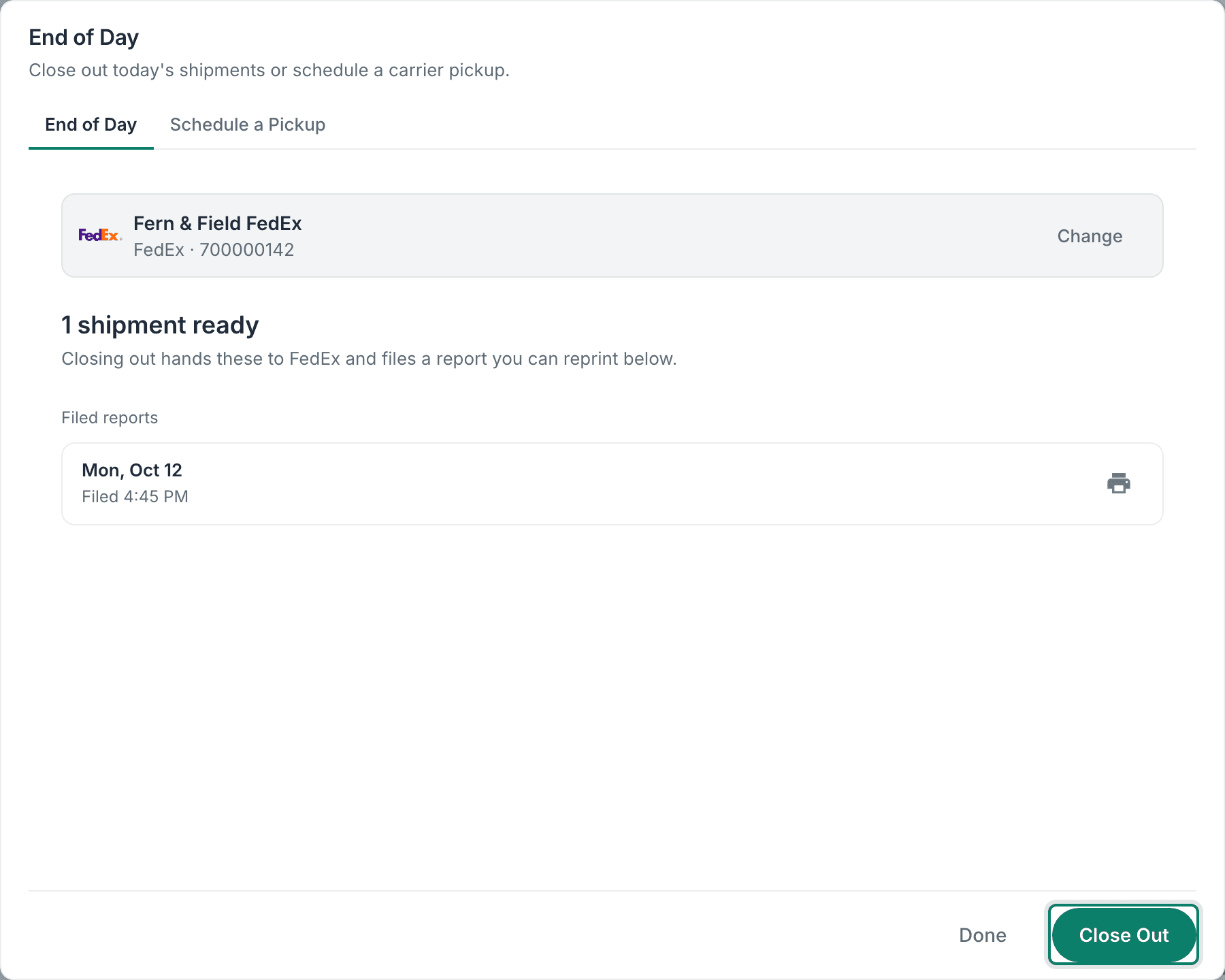
The FedEx Ground® End of Day is performed, and the FedEx Ground Pickup Manifest opens in a new browser tab. The report is also listed under Filed reports.
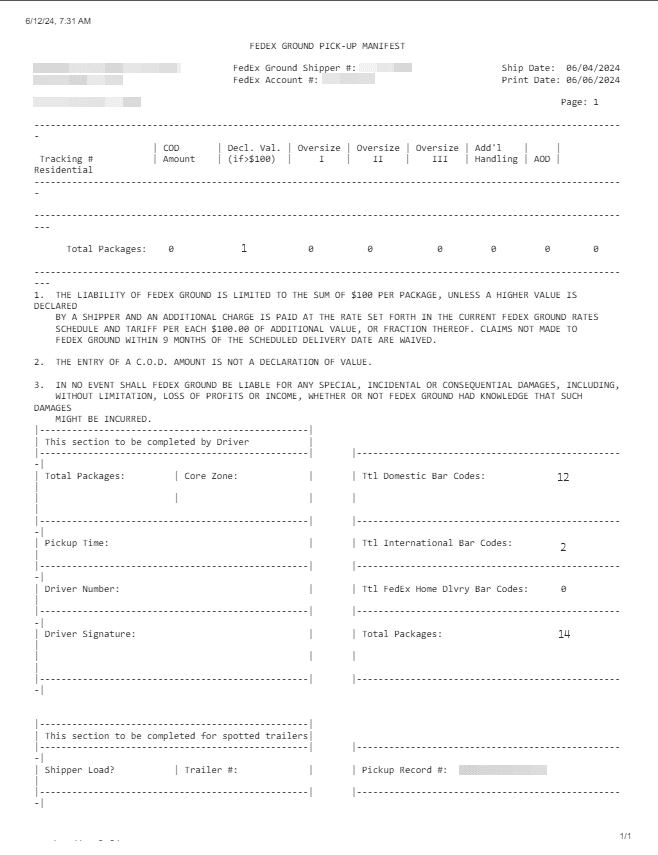
Print the FedEx Ground Pickup Manifest and hand it to FedEx along with your packages.
View and Print Manifests
You may need to view and print previously created FedEx Ground pickup manifests. Here's how:
Click More actions (the three dots) and select End of Day.
Verify that the End of Day tab is selected.
Select the FedEx account whose filed reports you want to view.
Scroll to Filed reports.

A list of the previously filed reports is displayed. Each report shows the date and time it was filed, and the list is sorted from most recent to oldest.
Click the print icon next to the manifest you wish to view and print.

A new browser tab opens displaying the manifest.
Good to Know
- End of Day can be performed multiple times during each shipping day. Be sure to include all manifests for the day with your shipments.
- Shipments meeting one of the following criteria will be included in the FedEx Ground Pickup Manifest:
- FedEx Ground®
- FedEx Ground® Economy
- FedEx Home Delivery®
- Collect on Delivery Amount (COD Amount)
- Declared Value greater than $100 U.S. dollars
- Oversize (Length + Girth greater than 84")
- Additional Handling applied
- Acknowledgment of Delivery (A.O.D.)
- Residential delivery address
- If no shipments meet the above criteria when performing an End of Day in Postsale, no FedEx Ground Pickup Manifest will be generated and displayed.
Still have a question? Ask a person.
Write to support@postsale.com or send us a message. We reply the same business day, Monday to Friday, 8 AM to 5 PM Central.